
BT Panel Tutorial: From Installation to Google Indexing, What to Deliver at Each Stage
Many business owners try to save money by using BT Panel, but it is merely a management tool. Getting a site indexed requires DNS resolution, SSL deployment, server configuration, and more. This article breaks down the process into 3 phases, includes often-missed SEO tips, and helps you decide if a DIY approach is right for you.
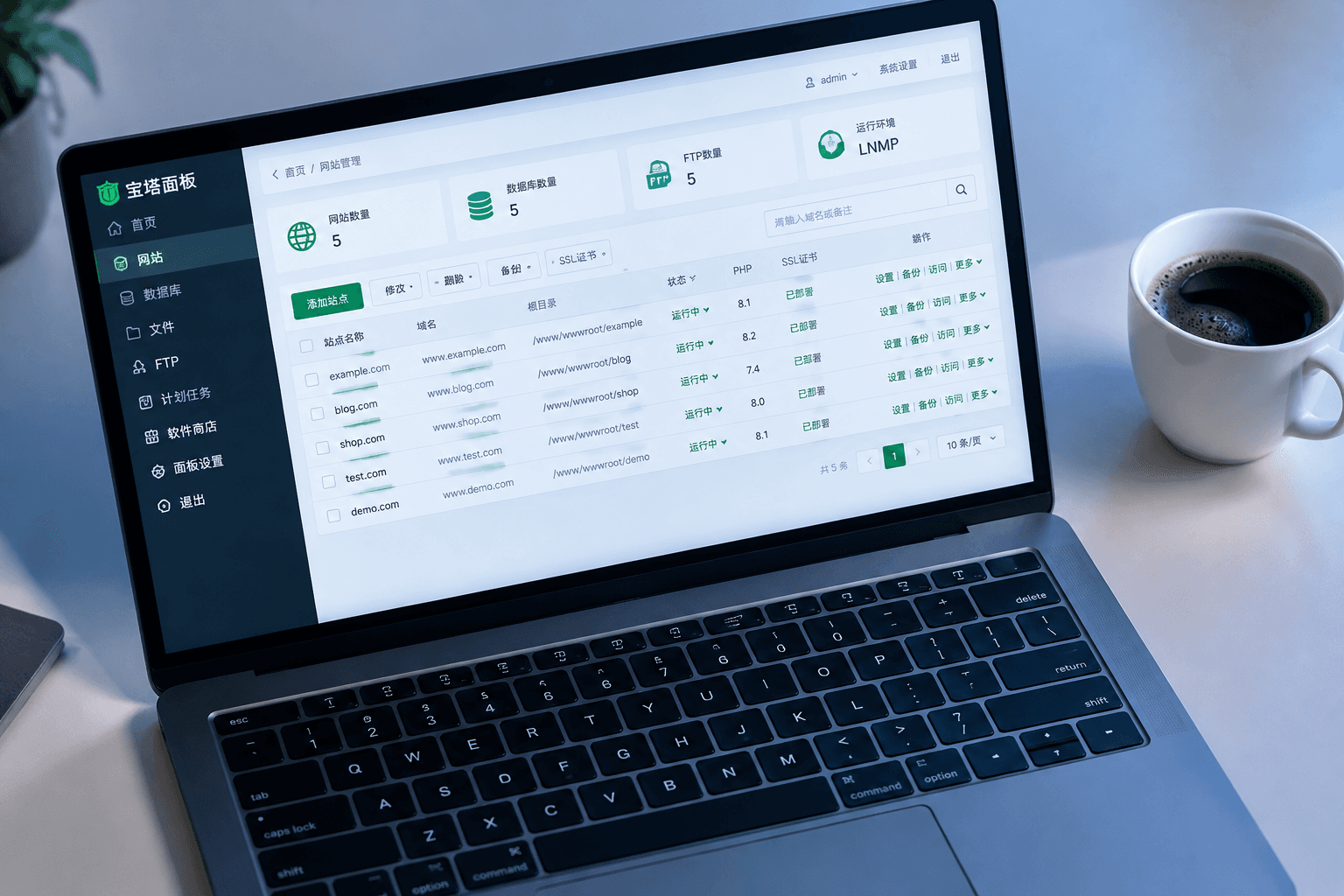
Last week, a hardware export business owner came to me, straight out asking: "I spent all night following a BT Panel tutorial online, but my site is showing garbled text, and the domain isn't pointing correctly. Did I click something wrong?"
I asked for a screenshot and discovered that while the panel was installed, they hadn't selected a PHP version, configured pseudo-static rules, or installed an SSL certificate. It wasn't a wrong click; it was that the tutorial only taught the first step, leaving out the four or five essential steps that followed.
BT Panel certainly lowers the barrier for server operations, but it is just the starting point, not the end goal. Below, I’ll clear up the key concepts and break the process down into phases for you.
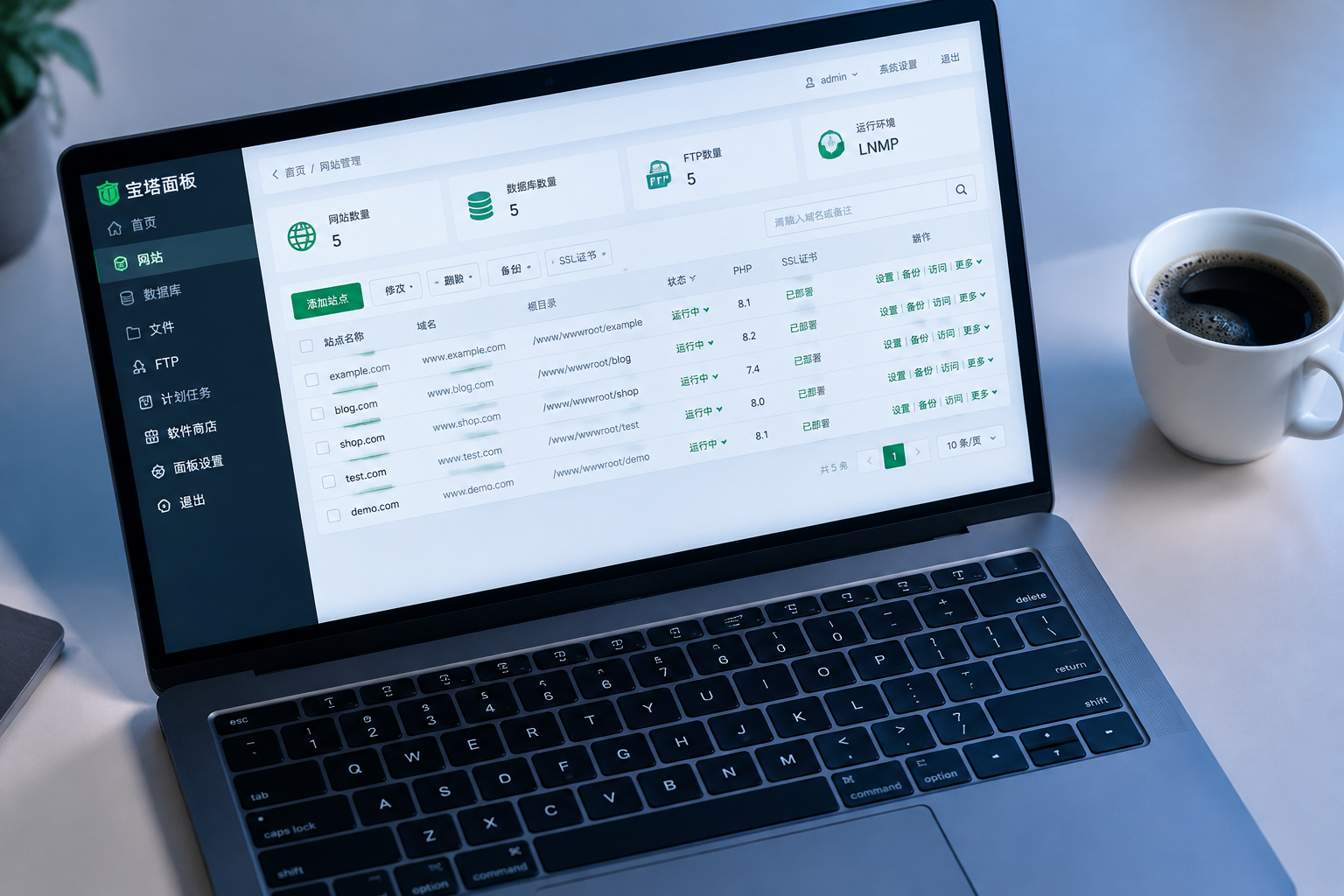
Master these 5 terms so you don't get lost in any BT Panel tutorial
BT Panel (Baota Panel): A graphical management tool installed on a server that turns command-line tasks into button clicks. It is not a website itself; it is simply the "remote control" for managing your site.
LNMP/LAMP: The set consisting of Linux, Nginx or Apache, MySQL, and PHP. The first thing you do after installing the panel is selecting this runtime environment; choose wrong, and your website program won't run at all.
Domain DNS Resolution: Pointing your domain (e.g., yourname.com) to your server's IP address. Until this takes effect, visitors will only see an error page when they type in your domain.
SSL Certificate: The lock that turns your URL from http to https. Without it, browsers will flag your site as "Not Secure," and Google will lower your ranking in their algorithm. You can apply for a free certificate in BT Panel with one click, but you have to monitor the deployment and renewal yourself.
Pseudo-Static: Rewriting dynamic links into static formats, like changing product.php?id=12 to /product/12. For Google SEO, a clean URL structure is much better for crawlers to index your pages.
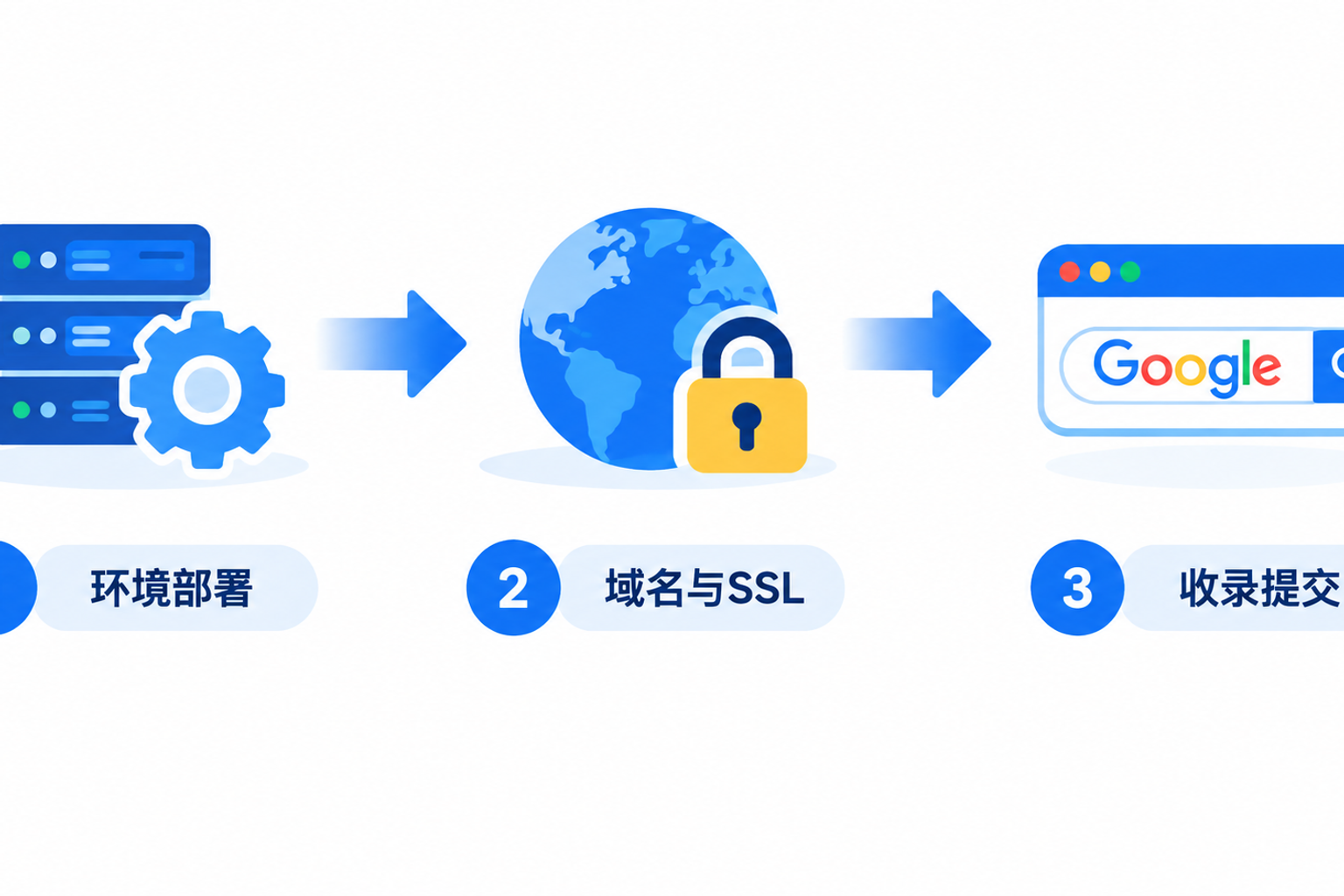
3 Stages: From installing the panel to getting indexed
Stage 1: Environment & Deployment (Day 1)
Install BT Panel, select the LNMP environment, create the site, and upload your website files (e.g., WordPress). Once this is done, you should be able to see a raw version of your site using the server IP. Deliverable: A locally accessible site.
Stage 2: Domain & Security (Days 2-3)
Configure the Domain A record, wait for DNS propagation (anywhere from a few minutes to 48 hours), deploy the SSL certificate, and enable forced https redirection. Once this is done, others can open your site via your domain and see the lock icon. Deliverable: A publicly accessible, secure site.
Stage 3: Content & Indexing (Week 1 onwards)
Configure pseudo-static rules, submit your sitemap to Google Search Console, set up robots.txt, and refine the TDK (Title, Description, Keywords) for every page. Once this is done, Google officially begins crawling your site. Deliverable: A site indexed by search engines.
Many tutorials stop after the first stage, which is why your site still "won't open" or "isn't appearing on Google" after following them.
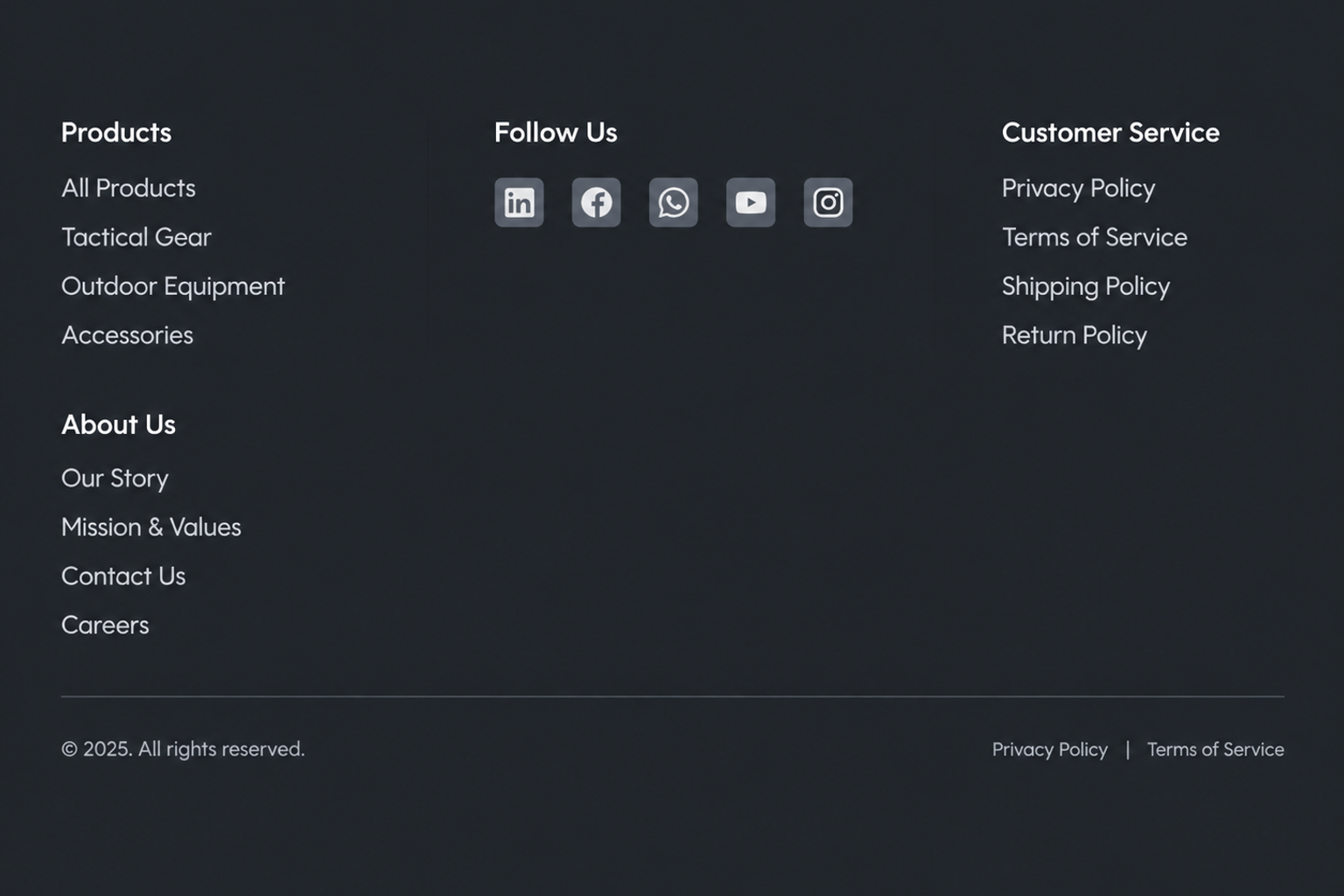
Footer Navigation & Social Links: SEO details often missed in tutorials
Here is a point that is easily overlooked: the design of the website Footer.
Most BT Panel tutorials teach you how to set up the homepage and call it a day. But if your footer is empty, users have nowhere to go once they scroll to the bottom, which skyrockets your bounce rate. Search engines also consider the time spent on pages and the internal link structure.
A qualified footer should contain at least 3 things:
① Core navigation links (Products, About Us, Contact), allowing visitors and crawlers to navigate to other pages;
② Social links (LinkedIn, Facebook, WhatsApp, etc., that you actually use), which Google uses as a signal for brand authenticity and trust;
③ Copyright information and a Privacy Policy link, which are basic compliance requirements for trade sites targeting Western markets.
These settings have nothing to do with the BT Panel; they are at the website program level. If you are using SaaS, open-source, or custom-built sites, the footer structure is usually determined by the template or during development, so you don't have to code it yourself.
Who is BT Panel for (and who is it not for)
The conditions are clear:
If you understand basic Linux operations, are willing to spend time troubleshooting errors, and have a simple corporate display site with no multi-language requirements, BT Panel can save you on hosting fees.
However, if you want a multi-language site, an online store with payments, or a stable site that doesn't return 5xx errors to Google, the maintenance costs of BT Panel will far exceed your expectations. A PHP upgrade crashing your site, or forgetting an SSL renewal resulting in red security warnings—these are direct causes for lost business inquiries in international trade.
Regarding whether you should prepare your own server and domain, I wrote an article previously on whether you need to manage your own server and domain; you can check it against your situation.
As a cautionary tale: a clothing supply client last year built their own site using BT Panel; after 3 months, Google had only indexed 2 pages. We found that their pseudo-static rules were wrong, leading to thousands of 404 errors, and they hadn't even submitted a sitemap. They didn't lack content; they were just stuck on the technical side.
Tools aren't inherently good or bad; what matters is whether they match your current time and energy budget.