
Don't Copy Trade Directories Directly: Split Into 3 Categories, Each with Different Criteria
Breaking an international trade website directory down into three categories—B2B inquiry sites, B2C e-commerce sites, and information directory sites—reveals completely different evaluation criteria for each. Count how many layers an inquiry site takes from the contact entry to sending an inquiry; check if a store site's TDK targets audience scenarios, uses semantic image filenames, and applies WebP compression; and check a directory's update time. Using the wrong criteria will only leave you wi
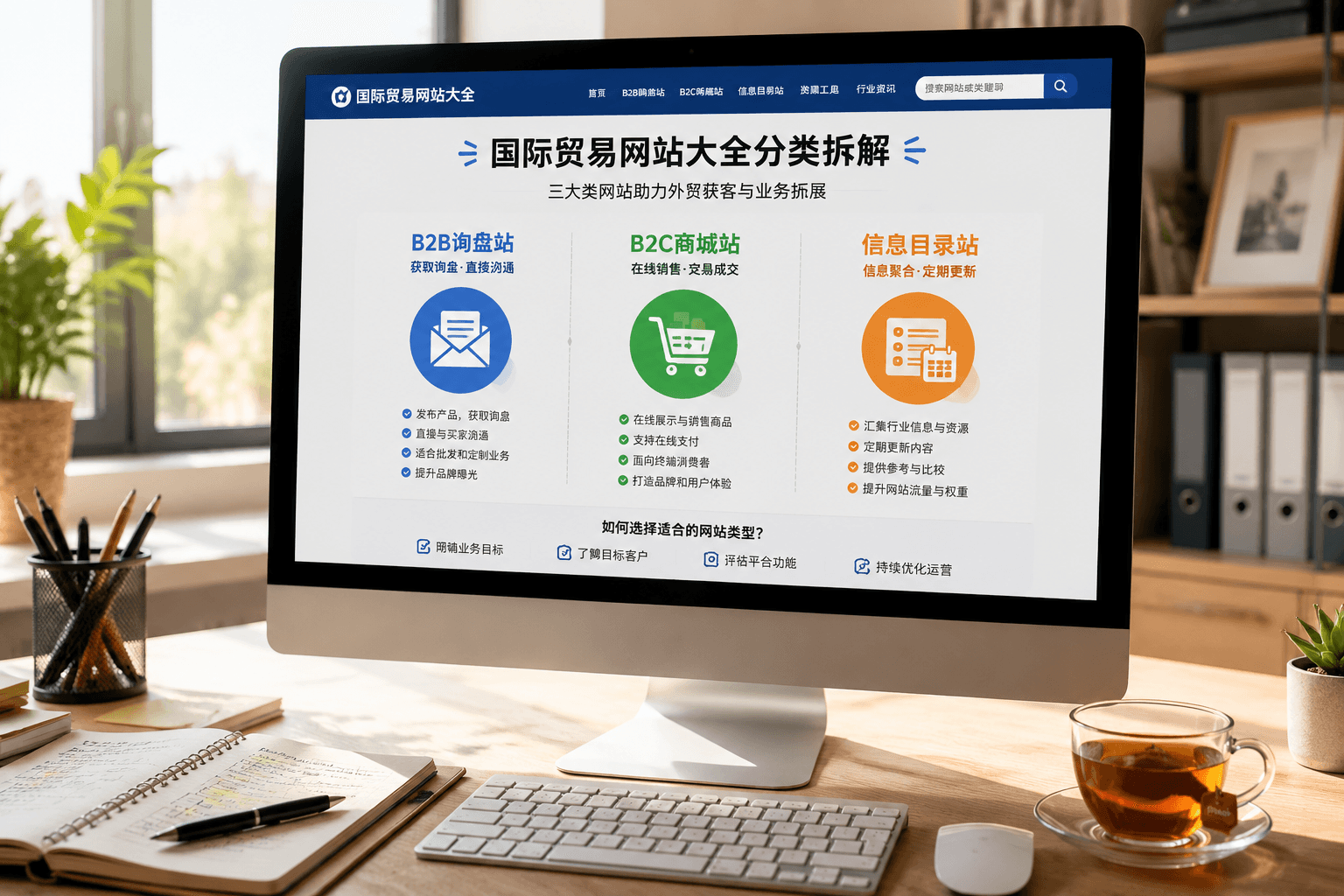
Let me start with the conclusion: pages listing international trade websites shouldn't be used for bulk bookmarking. Instead, you need to break them down into three distinct categories—B2B inquiry sites, B2C e-commerce sites, and information directory sites. What you should look for in each category is completely different. If you lump them all together, you'll just end up with a bunch of dead bookmarks. In my 8 years of building independent foreign trade websites, whenever I dissect reference sites for clients, the first step is always to place them in the correct category.
Why will you run into trouble if you don't categorize them? Because the conversion logic of these three types of sites is fundamentally different. B2B sites aim for inquiries, B2C sites aim for online transactions, and directory sites aim for indexation and traffic. If you evaluate a B2B site using B2C e-commerce standards, you'll think it's too plain because it lacks a shopping cart. Conversely, if you evaluate a directory site using B2B standards, you'll feel it has too few products.
Using the wrong evaluation criteria is worse than not evaluating at all. Below, based on our actual habits of dissecting reference sites, I will explain each of these three categories in detail.
B2B Platforms and Directory Sites: Count the Inquiry Levels
The first category consists of various international trade B2B platforms and industry directory sites. The core action of these sites is inquiry, not checkout. Early on, like many factory owners, I used to spend my days looking at what competitor stores looked like on these platforms. Later, I realized: what's truly worth studying on a platform isn't the visual design, but its inquiry structure. What is an inquiry structure? It's how many layers you have to go through from the moment you see a product to the moment you send an inquiry. A good structure is: click into the product list, and within two screens you'll definitely see a contact button—either a form, an email, or WhatsApp. A poor structure is: clicking through three or four pages and still just reading the company introduction. The deeper the hierarchy, the more obvious the inquiry drop-off.
When we build B2B official websites for foreign trade, our rule for consultation entry points is never to let customers click more than three times. So when you pick B2B websites to reference from a comprehensive list, first count their inquiry levels. If it takes more than three layers to reach the contact info, you can close that site right away. You don't need to look at how pretty the design draft is; a short access path is what successfully captures inquiries.
B2C Independent Sites: Look at TDK and Image Strategy
The second category is B2C independent e-commerce stores. These sites are the most misleading because people love picking pretty ones to look at, especially those with a high-end large banner image right above the fold. But looking good above the fold and being able to be found on Google are two different things. Whether a B2C independent site is worth referencing depends on two things: whether the TDK is targeted to a specific audience and scenario, and whether the product images have semantic optimization.
We often talk about TDK, which is an abbreviation for the three page elements: Title, Description, and Keywords. Open any reference site at random, press Ctrl+U to view its source code, and check if the title uses an audience- and scenario-driven approach like "Women's Linen Dress — Summer Beach Collection", or something empty like "Product 1". The former is aimed at search traffic, while the latter is just a digital brochure.
Images deserve even closer examination. When building foreign trade websites, we never allow product image filenames like 1.jpg or IMG_0238. The correct approach is to write the alt text as "linen dress for beach summer women", make the filename follow that semantic logic, compress images using WebP, and lazy-load images below the fold. Image search is a type of long-tail traffic that foreign trade sites can easily capture, especially in visually-driven categories like apparel, home decor, and hardware. The WebP format is usually smaller than a JPG of the same size, and faster loading directly impacts mobile bounce rates—this isn't superstition.
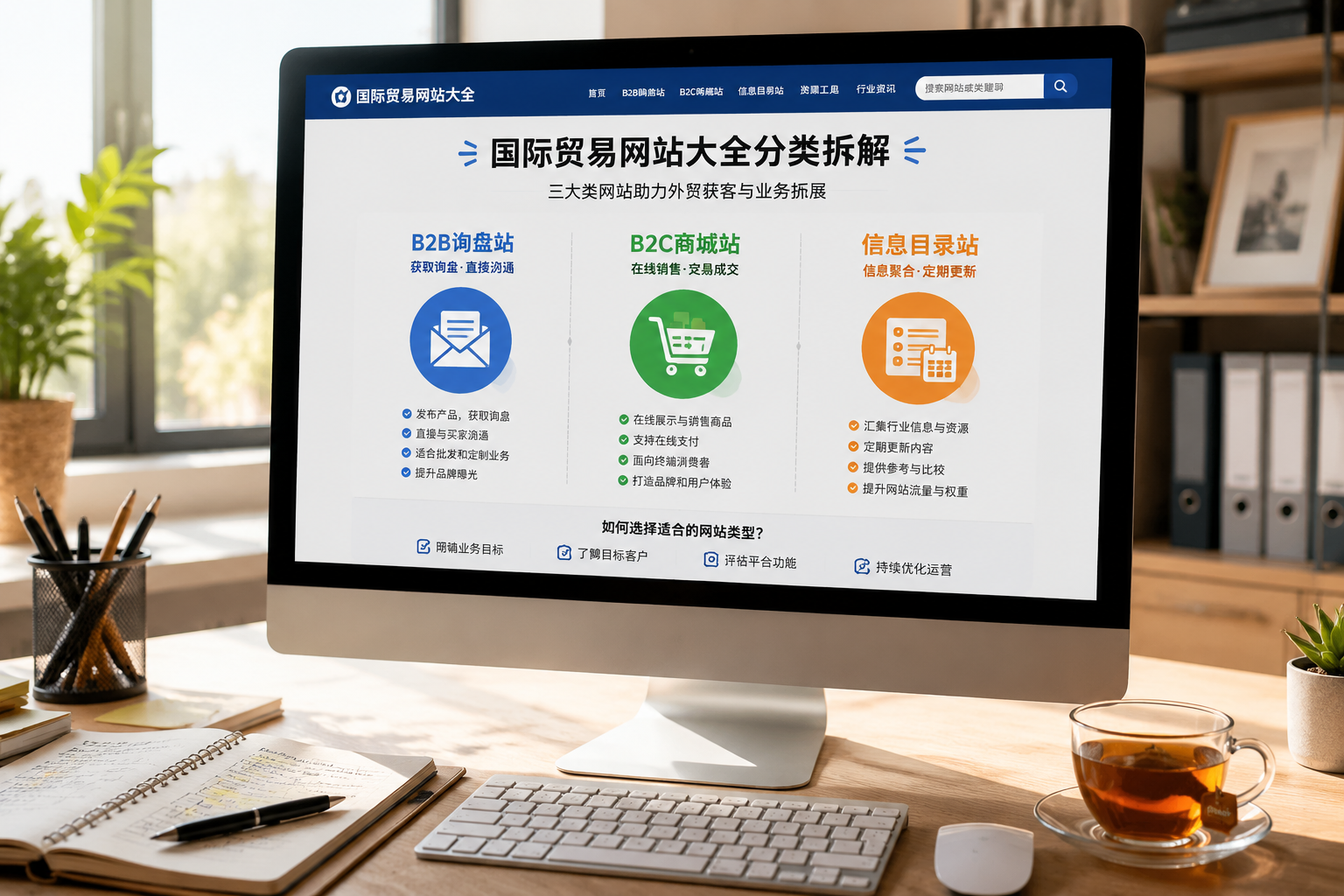
The points we focus on for image optimization are just these:
- Product image filenames carry semantic meaning; avoid 1.jpg or IMG_0238
- Alt descriptions clearly state the subject and scenario, not just the product name
- Prioritize WebP compression, with lazy-loading for images below the fold
- Mix pure white-background shots and lifestyle scene shots proportionally; don't make the whole page white-background
When browsing B2C sites in a directory, you can right-click a product image to check if its filename is a string of random characters. If all product images on the site are named 1.jpg, 2.jpg, and so on, it means the site's technical foundation is very average. While you can reference their operations, you should question their technical architecture. Product images and lifestyle shots should be used in a balanced ratio; don't fill the whole page with plain white backgrounds. White-background images help customers see product details clearly, but scene shots are responsible for helping customers imagine themselves using the product. Also, product images shouldn't be stolen directly from others; you can look at reference sites, but using images directly on your own site carries copyright risks.
Information Directory Sites: Check Update Frequency
The third category consists of various information directory sites, including legacy foreign trade forums, industry URL directories, and B2B enterprise databases. The biggest trap with these sites is: you think they're useful when you bookmark them, but when you open them three months later, the information looks just like it did three months ago.
If a directory site isn't updated, no matter how comprehensive your bookmarks are, they will turn into dead links.
I have firsthand experience with this. Many friends in foreign trade love bookmarking old-school forums and directories because they think the links are comprehensive. But when you actually click through them one by one, you'll find that a large portion are broken, some companies changed their domains long ago, and some platforms shut down entirely. To judge whether a directory site has reference value, first check when its content was last updated. Old lists older than half a year have very little reference value.
4 Actionable Steps to Filter a Comprehensive List
Once you know what to look for in the three types of sites, the next step is to turn the filtered results into your own actions. Here is a workflow based on our working habits:
- Export the links from your "international trade website directory" and label them into the three categories mentioned above: inquiry sites, e-commerce sites, and directory sites.
- For inquiry sites, count the inquiry layers—cross out any that require more than three touchpoints. For e-commerce sites, check the TDK and image filenames—cross out any with empty titles or 1.jpg images.
- Keep only two sites per category; don't be greedy. A reference site isn't a bookmark folder; it's an object to be dissected.
- Record the filtered sites individually: how the homepage organizes sections, how product pages set up TDK, and how contact pages embed conversion points.
We use these four steps when planning independent websites for clients too. When building your own foreign trade site, you don't have to build everything from scratch right away. First, digest the comprehensive list using these four steps, and building the site later will go much smoother. Regarding how to filter out truly reference-worthy sites from directories, I wrote an article previously: Don't Just Bookmark Foreign Trade Directory Sites, which you can read next. Once you've finished filtering and know what kind of site you want to build, head back to the Website Building Getting Started & Preparation section to complete the basics like domains, servers, and site structures all at once.
Viewing the Directory in the Long Term
Browsing a directory of international trade websites is essentially about filtering reference sources. But this filtering isn't a one-and-done task. The content and structure of foreign trade sites are constantly changing, and your reference library needs to be reviewed every quarter.
Our clients who use annual SEO management services re-dissect reference sites every quarter because competitor pages change and Google's strategies adjust. In the short term, what you learn from a directory might just be a few section-naming techniques; in the long term, what you truly need to build is your own set of filtering criteria: what kind of site can lend you an inquiry structure, what kind of site can lend you an image strategy, and what kind of site should be closed at a glance.
Once these criteria become a matter of judgment habit, you will no longer need to search everywhere for comprehensive lists. The discernment in your hands is more valuable than any list.