
Independent Site Platform Comparison: SaaS, Open Source, and Custom—Where the Money and Time Differ
Quotes of 8,000 and 30,000 often differ not in whether the pages look good, but in whether you choose SaaS, open source, or custom development. This article uses a six-item comparison table to compare time, money, and who maintains it three years later, then breaks down cost ranges for 8 items including domain, hosting, theme, multilingual setup, inquiry forms, and SEO, and lists a 6-step launch timeline. After reading, you can check your quote item by item and know which item is vague and which
Today, let’s lay out the comparison of independent site platforms. First, the conclusion: no platform can do it all, and choosing the wrong path costs more than choosing the wrong platform.
You’ve probably already asked two or three vendors, gotten quotes from 8,000 to 30,000 yuan, and heard each one say they understand foreign trade better. The difference isn’t in the wording of the quote—it’s in which path they’re actually using underneath.
This article does one thing: puts the three paths—SaaS, open source, and custom development—on the same table and compares time, money, and who maintains it three years from now.
The dividing line between the three paths: who owns the server and the code
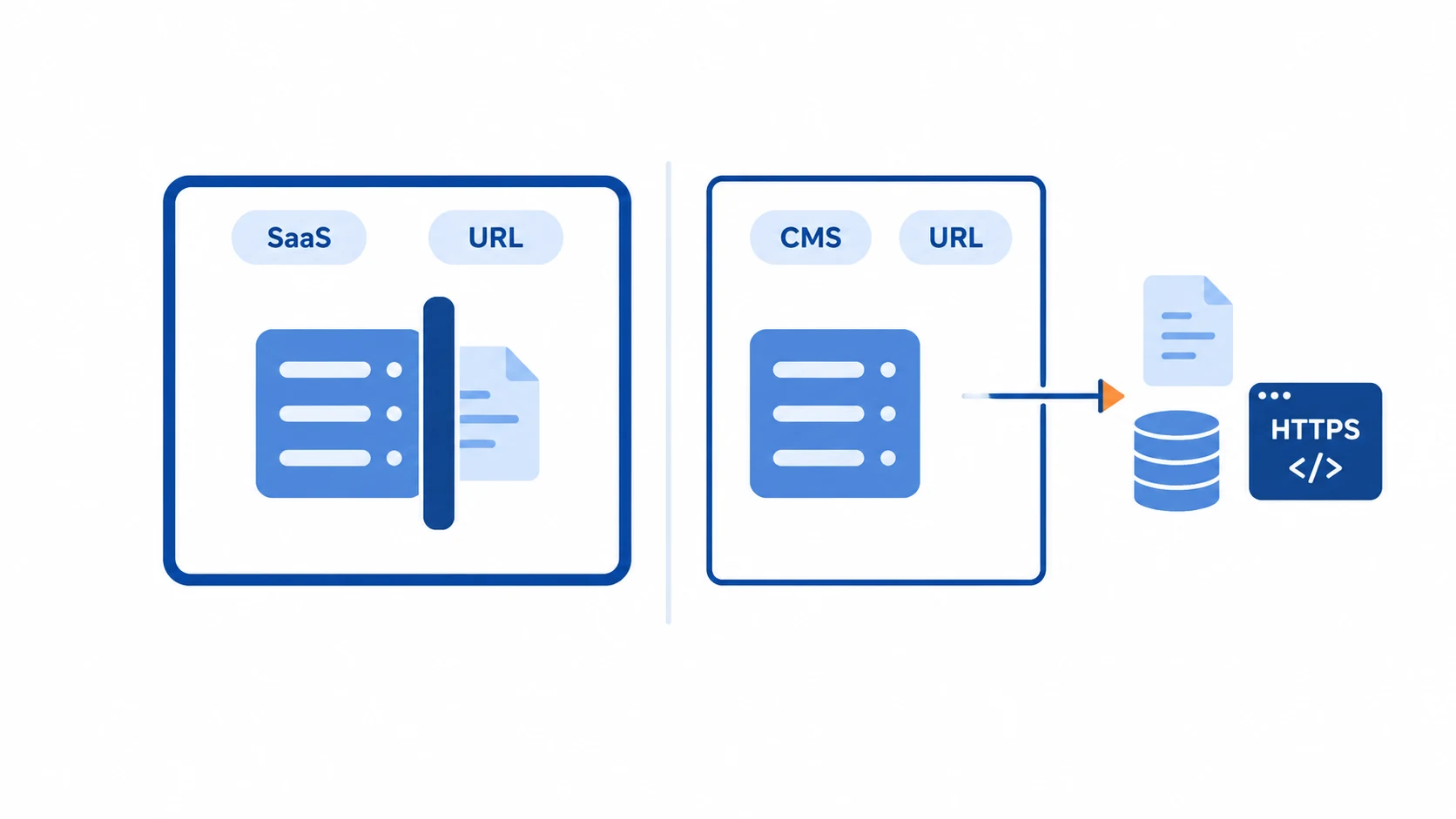
SaaS website building is represented by things like Shopify and Wix. The site runs on the platform’s servers, you pay monthly or yearly, and you can change pages with a few clicks in the dashboard.
The advantage is speed. The cost is that the platform decides a lot: how URL structures are arranged, whether you can touch the code, and how much data you can export.
Open-source systems, typically WordPress. The software itself is free, installed on the overseas hosting you buy, and both the code and data are in your hands. Freedom is higher, but updates, backups, and attack prevention need someone to manage them.
Custom development means writing everything from front end to back end around your business processes. It fits your functionality best, but it also costs the most in money and communication, and if you want to change requirements later, you usually have to go back to the original team.
Six hard metrics in one table
| Comparison item | SaaS platform | Open-source system | Custom development |
|---|---|---|---|
| Time to launch | About 1–3 weeks | About 3–6 weeks | About 8–16 weeks |
| First-year investment (common in the industry) | About 3,000–10,000 yuan | About 2,000–15,000 yuan | About 20,000–100,000 yuan or more |
| Fixed annual expenses | Platform annual fee + plugin fees | Hosting + maintenance | Hosting + maintenance and iteration |
| Data ownership | Inside the platform, export limited | Entirely yours | Entirely yours |
| Functional freedom | Mainly installing plugins | Relatively high | Highest |
| Who it suits | Few SKUs, wants to test the waters quickly | Inquiry-driven, content-based corporate sites | Special processes, has a long-term tech partner |
The most easily overlooked row in the table is “fixed annual expenses.” When signing, everyone stares at the first payment, but what really drags down the budget is the few charges deducted every year afterward.
Quotes differ by 5x—the money differs across 8 items
| Item | Common market range | Notes |
|---|---|---|
| Domain | 60–120 yuan/year | .com preferred; don’t use an abbreviation no one can spell |
| Overseas hosting / server | 800–5,000 yuan/year | Put the server where your customers are |
| Theme / template | 300–1,500 yuan | One-time buyout or annual payment |
| SaaS platform annual fee | About 2,000–6,000 yuan/year | Plan upgrades and multiple sites cost more |
| Multilingual configuration | 0–5,000 yuan | Machine translation is cheap; human proofreading is expensive |
| Inquiry form + email notification | 0–1,500 yuan | Don’t skimp—losing an inquiry is the biggest loss |
| Google SEO basic setup | Commonly 2,000–8,000 yuan | TDK, sitemap, indexing submission |
| Ongoing maintenance | About 10%–20% of the website build cost per year | Updates, backups, fault repair |
Add these items up and you’ll see that the difference between 30,000 and 8,000 often isn’t whether the pages look good, but the number of languages, the number of features, and who manages it after launch. For a more detailed cost breakdown, see Website Build Costs and Quotes.
The figures above are common industry ranges, not our quote. A specific quote needs to be assessed based on requirements; you can consult us. You can use this table to check your current quote item by item, and if anything is vague, ask about it on the spot.
From signing to receiving the first inquiry, there are 6 steps
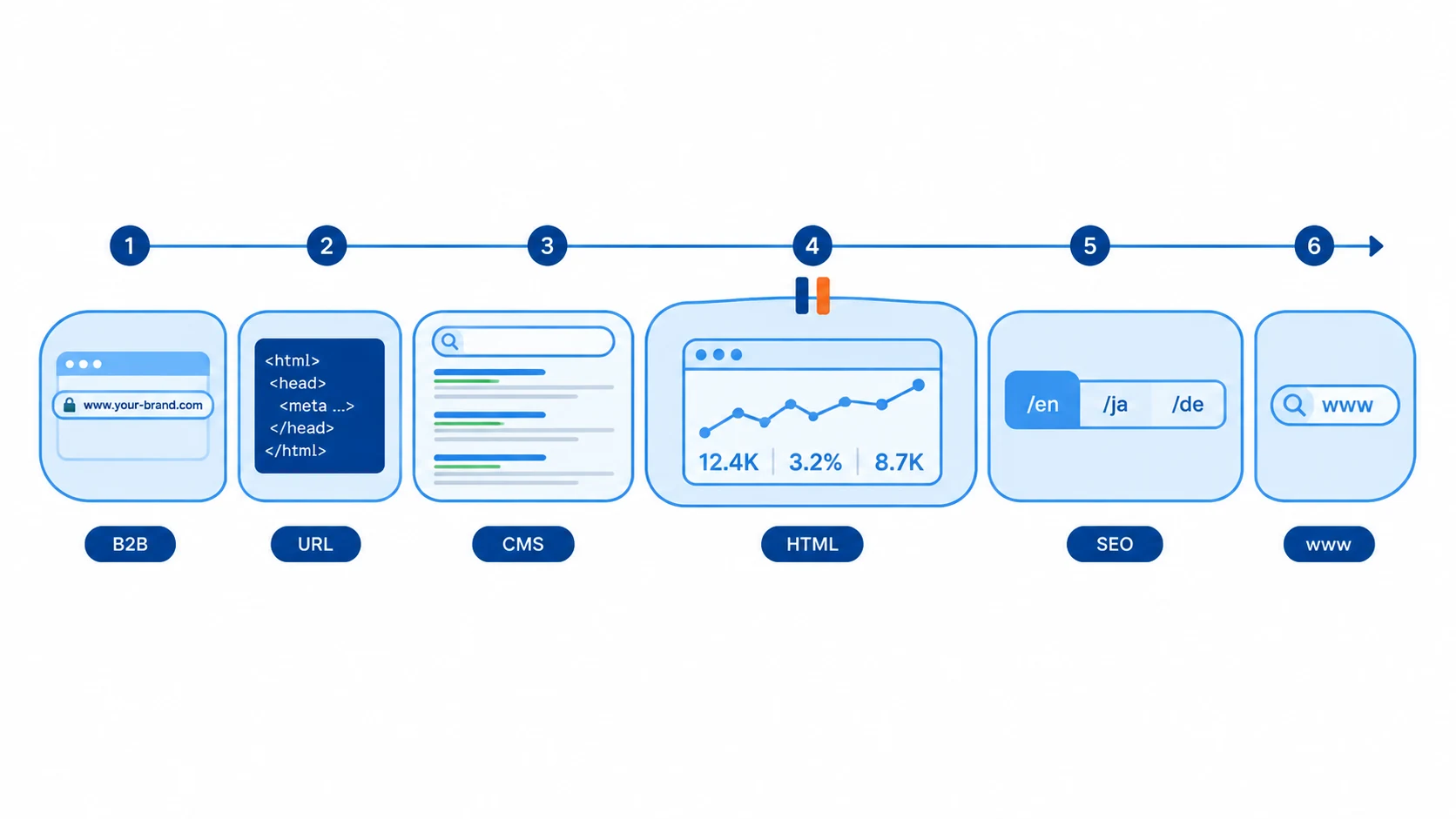
- Requirements review, 3–5 days: what you sell, which country you sell to, how many languages you need, who receives inquiries.
- Choose a platform, buy a domain and hosting, 1–3 days.
- Site structure and page framework, 3–7 days: home, products, about us, contact us—get this core four in place first.
- Material organization, 7–15 days: product images, specs, company introduction, qualifications. This step is most easily underestimated and most likely to cause delays.
- Build and debug, 5–15 days: SaaS is fast, custom is slow.
- Launch and submit to Google for indexing, 1–3 days for the action itself; indexing results usually appear gradually over 2–8 weeks.
Total: SaaS is about 3–5 weeks, open source 5–8 weeks, custom 8–16 weeks. The step most likely to get stuck is step 4—if materials stall, the whole project stalls.
One more honest note: no one can guarantee how long Google will take to index you or what rank you’ll get. What can be done is submit the sitemap, configure TDK properly, and make sure pages can be crawled normally. Anyone promising a first-page guarantee can be skipped.
Before choosing, write down the answers to these 5 questions
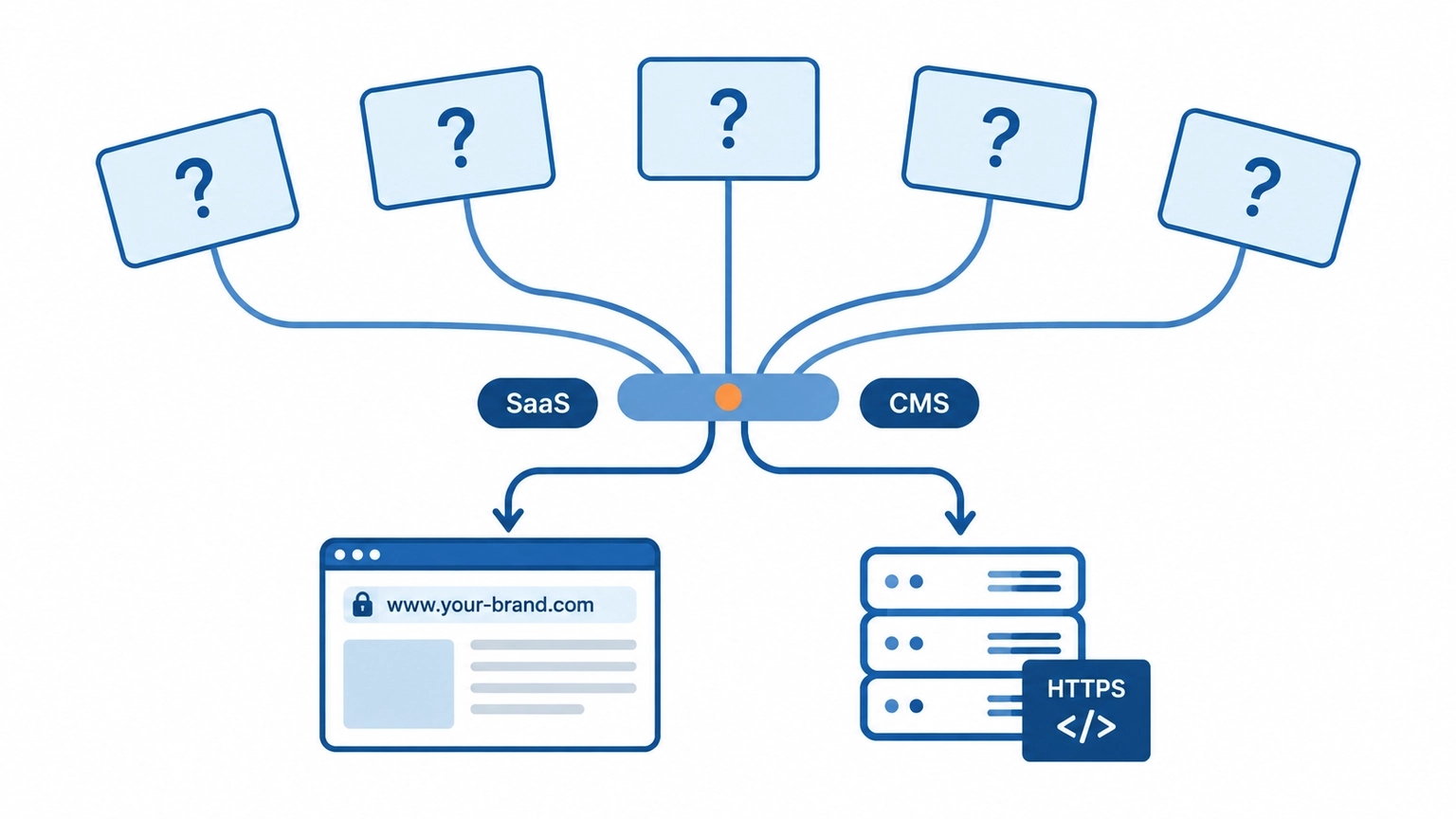
- Which country are your customers mainly in? This determines server location and language.
- How many product SKUs do you have? Under 50, a content site is enough; over 500, you need an online store.
- Who will maintain it after launch? If no one at the company understands technology, don’t choose a solution that requires managing a server every day.
- How will inquiries be received? The form should go to both email and the dashboard—double backup.
- What’s the total three-year budget? Include annual fees, plugin fees, and maintenance fees together; don’t just look at the first year.
Once you write those 5 answers, the path basically emerges on its own. If you want to see what kind of business each of the three paths suits, browse the other articles in the Independent Site Platform Comparison section.
Don’t rush to bookmark this. Do one small thing: take a piece of paper, write one answer for each of the 5 questions, then check the 8 cost items against your quote. After doing that, your judgment about independent site platform comparisons will be clearer than after reading ten articles.
If you’re really unsure, start with a free website build requirements assessment: explain your products, target countries, and approximate budget, and we’ll help you decide which path to take.