
Don’t Rush to Start Your Foreign Trade Website: If These 4 Types of Assets Aren’t Ready, Launch Will Be Delayed by at Least Two Weeks
Many people doing a foreign trade website for the first time spend all their energy comparing prices and choosing templates, only to get stuck on assets after the project starts—delaying launch by a month. This article clearly lists the 4 types of assets to submit before building the site, the number and size standards for product images, a 4-week preparation timeline, and common price ranges for domain, email, and photography. You can check them off against the list. Talk pricing after assets a
I came across a set of recently well-selling food product main images and wanted to talk about the approach behind them: the same dish, when photographed to look “ready to order,” makes customers stop to look at the image, check the specs, and send an inquiry; a casually snapped photo just gets swiped past.
How does this relate to building a foreign trade website? Quite a lot. When a website gets stuck on launch, eight out of ten times it’s not a technical problem—it’s that the assets aren’t ready.
What Slows Down Launch Is Often Not Tech, but Assets
The website builder usually gives you a checklist before starting: product images, company profile, certification documents, domain and email. If you return everything within 3 days, the site can go live in 2–3 weeks; if you drag it out for a month, delivery is postponed by a month.
The reason isn’t complicated: the column structure, navigation, and product detail page layout all depend on your product and company information. Without the assets, design and front-end development can only leave the layout empty and wait, and two or three rounds of rework are very common.
If you’re still not sure what to prepare before starting, you can first read this checklist for preparing a foreign trade website, then come back to the asset details.
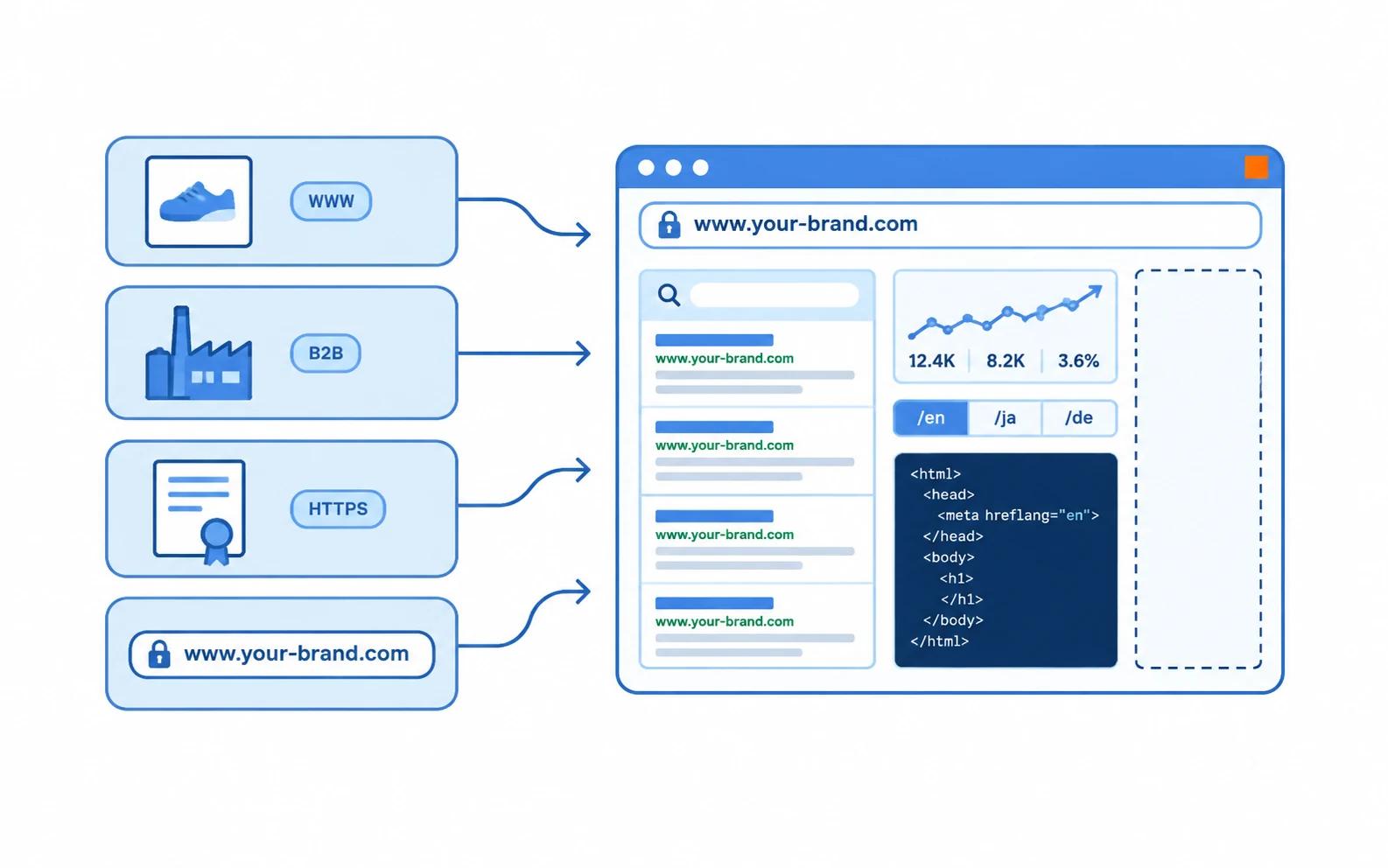
4 Types of Assets to Hand Over Before Building the Site
| Asset Type | What to Submit | Reference Quantity | Common Pitfalls |
|---|---|---|---|
| Product assets | Main images, lifestyle images, detail images, spec sheets | 5–6 images per SKU | Only casual phone photos with cluttered backgrounds |
| Company assets | Company profile in Chinese and English, real photos of factory or office | 8–15 photos | Only business license, no real scene photos |
| Trust assets | Scanned certificates, test reports, trade show photos | As many as you have | Crooked, glare, watermarks |
| Domain and email | .com domain, business email, email address for receiving inquiries | 1 domain + 2–3 email accounts | Using a QQ email to reply to inquiries |
Among the four, the ones most often missed are the domain and email. For the domain, .com is recommended, registered for 3–5 years at a time; for business email, don’t use QQ or 163 addresses to reply to inquiries directly—customers look at this before ordering. An info@ mailbox on your own domain costs roughly tens to 300 CNY per year.
How Many Product Photos to Take and What Size
| Item | Recommended Standard | Notes |
|---|---|---|
| Images per SKU | 5–6 | 1 main image + 2–3 lifestyle images + 1 detail or packaging image |
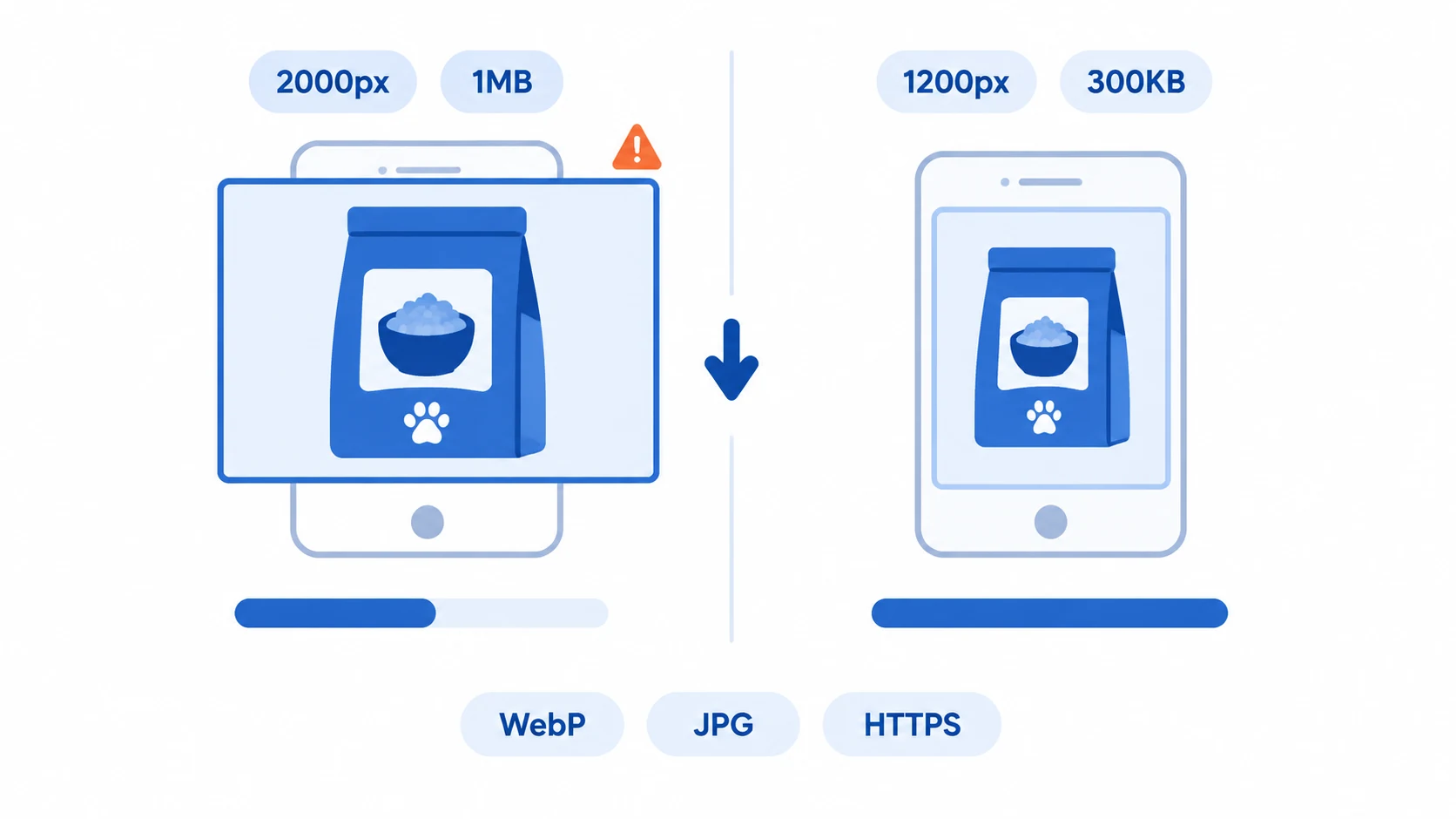
| Image width | 1200–1600 px | Larger sizes offer no clear benefit on mobile |
| File size per image | Under 300KB | Exceeding this slows down first-screen loading |
| Format | JPG or WebP | Use PNG only for logos that need a transparent background |
| Background | White background or real usage scene | Don’t use images with watermarks from other platforms |
| File naming | Lowercase English with hyphens, e.g. frozen-dumpling-500g-01.jpg | Chinese names and IMG_2381 leave you guessing later |
There’s a counterintuitive point about size: clearer images aren’t always better. Dropping original images over 2000px wide and 1MB each directly into a foreign trade website template will noticeably slow down the mobile first screen and lower Google’s mobile experience score.
For food categories, there’s another rule: try not to retouch the main image until the real portion is unrecognizable. Overseas customers order based on the image; if the delivered product differs too much, refunds and negative reviews cost far more than the retouching fee you saved.
A 4-Week Asset Timeline
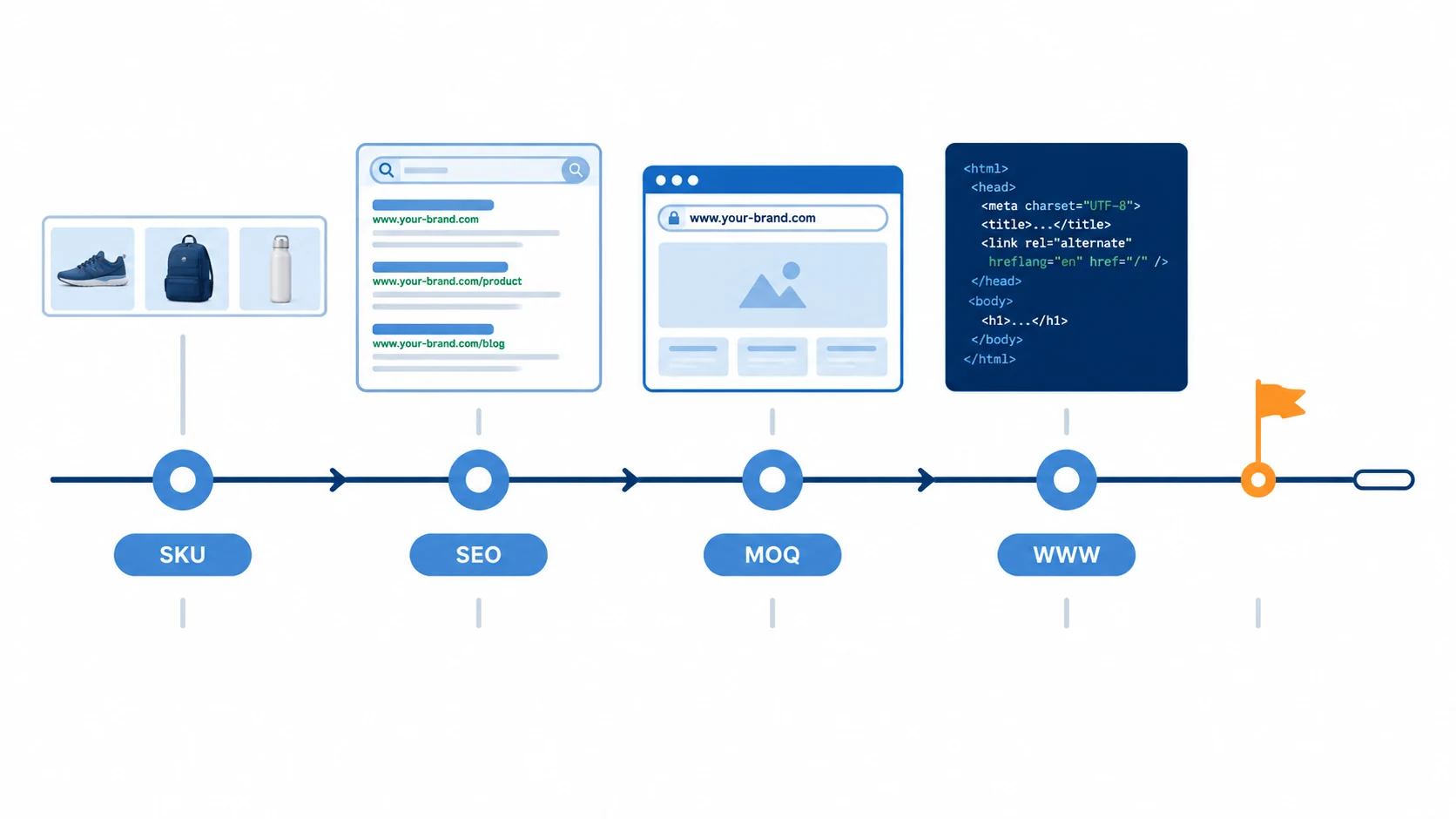
- Week 1: Decide on the featured products. Based on sales and profit, pick 10–30 SKUs to put on the homepage and category pages first, and place the rest on secondary pages.
- Week 2: Shoot and retouch. Shoot white-background and lifestyle images in batches, and retouch them the same day—don’t save it all for the end.
- Week 3: Write English copy. Prepare for each product: English name, 3 selling points, spec sheet, MOQ, lead time, packaging dimensions, and gross weight (needed to calculate shipping).
- Week 4: Organize company materials, register the domain and email, and confirm with the website builder the column structure, navigation, and whether multilingual versions are needed.
If any one of these 4 weeks gets stuck, the launch date is basically pushed back by a week. So schedule it backward: first set the date you want the site to go live, then start preparing 4 weeks before that.
Talk Pricing After Assets Are Ready—Save Two Rounds of Rework
First, get a clear idea of these budget items: domain 60–100 CNY/year; cloud hosting or dedicated server 500–3000 CNY/year; SSL certificate mostly free; business email 0–300 CNY/year per account; outsourced product photography commonly 30–200 CNY/image. These are general industry figures. Website building costs and quotes also depend on how many pages you need, whether you need multilingual versions, and whether you need logistics integration. Specific quotes need to be assessed based on requirements—you can consult us directly.
Having the assets ready has another benefit: you can judge whether a quote is reasonable. For the same site with 20 product pages, one company quotes 8,000 and another 30,000; the difference usually lies in the number of pages, whether the design is custom, multilingual versions, and ongoing maintenance—not in “who is cheaper.”
After the website goes live, product images and the detail page structure also directly affect inquiry conversion: only when images are clear and specs match will customers be willing to fill out the form and leave their contact information.
If you happen to be in the food category, pick a set of main images and produce them according to the specs above—seeing the result is better than anything else. The same goes for other categories: run 5 SKUs through the process first, and you’ll have a clear idea.
If you’re unsure about the asset checklist or afraid of missing items, you can do a free website building needs assessment first, review your materials, and then decide on a plan—more reliable than just comparing prices.