
Google Isn't Indexing Your Site? Check These 7 Things In Order
"Submitted two weeks ago and still not indexed" is the most common question we get, and the answer is almost never that Google dislikes new sites. Here is an executable diagnostic order: first separate crawl failures from index rejections, then narrow it down with six free tools.
目录
- First, work out which kind of "not indexed" you have
- Step 1: Make sure robots.txt is not blocking the whole site
- Step 2: Check the HTTP status code
- Step 3: Confirm the content is visible without JavaScript
- Step 4: Is the sitemap submitted, and error-free?
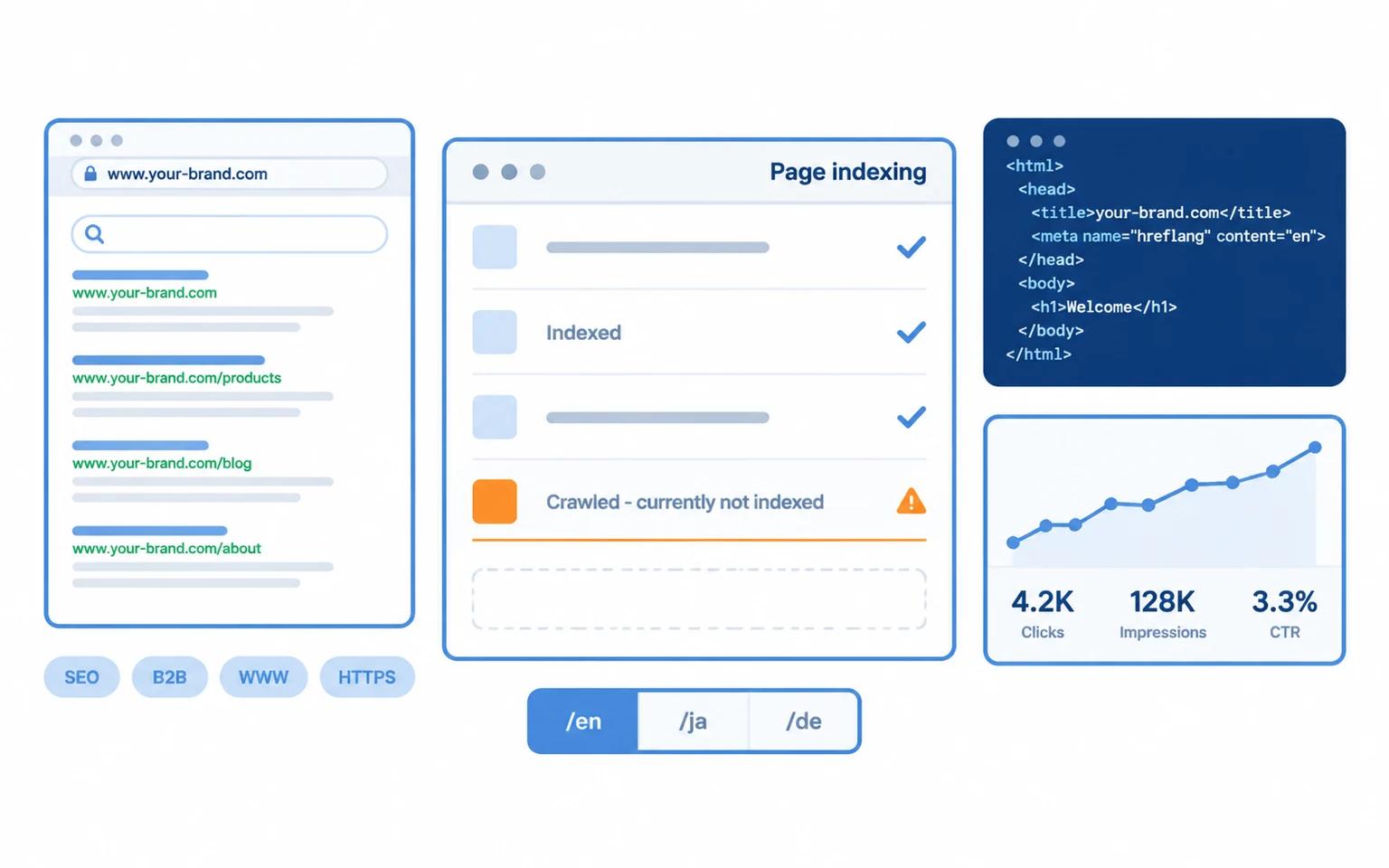
- Step 5: Read the "Crawled - currently not indexed" reason
- Step 6: Request indexing for individual pages
- Step 7: Check crawl stats — did Google even visit?
- Timelines for new sites: do not measure yourself against someone else's
- One overlooked accelerator: internal links
- If the site is yours, get the foundation right first
"We launched two weeks ago and Google has indexed nothing." This is the most common blocker for small export websites, and the most commonly misdiagnosed one: the usual reaction is to assume Google dislikes new domains, and to go buy backlinks, change servers, or rebuild the site. The real cause is usually far more specific, and it takes about five minutes to find.
One premise first: indexed and ranked are two different things. Indexed means Google stored the page; ranked means Google shows it for a query. This article only covers the first one — talking about rankings before indexing is pointless.
First, work out which kind of "not indexed" you have
In Google Search Console (GSC), the Pages report gives you three signals. Match yours:
| Symptom | Meaning | Where to look |
|---|---|---|
| URL Inspection says "URL is not on Google" but it can be fetched | Crawling is fine; indexing was rejected | The "Crawled - currently not indexed" reason |
| Inspection says "Blocked by robots.txt" or cannot be reached | Blocked at the crawl stage | robots.txt, status codes, firewall |
| The URL is not in GSC at all | Google does not know it exists | Sitemap, internal links, submission |
| Indexed, but searching the title does not show it | Not an indexing problem | Ranking and content quality (out of scope) |
Misclassifying this is the biggest time sink. Below is how to check each.
Step 1: Make sure robots.txt is not blocking the whole site
The cheapest and most common mistake: a leftover Disallow: / from a staging environment. Open yourdomain.com/robots.txt and look at it, then use GSC's robots.txt tester on a specific URL.
Also confirm no <meta name="robots" content="noindex"> slipped into the template — it is sneakier than robots.txt, because the page loads normally and simply never enters the index.
Step 2: Check the HTTP status code
Use curl -I, not a browser (browsers follow redirects and execute JavaScript):
curl -I https://yourdomain.com/some-page
Confirm three things:
- The status is
200, not a redirect chain and not403(many WAFs block Googlebot's user agent); Content-Typeistext/htmlrather thanapplication/json(a classic misconfigured SPA);- No
X-Robots-Tag: noindexhiding in the response headers.
Step 3: Confirm the content is visible without JavaScript
Google can render JavaScript, but rendering is a second pass after crawling, and it queues — especially for new sites. Self-check with curl:
curl -s https://yourdomain.com/article | grep -o "a phrase from your body copy" | head
If it is absent from the raw HTML and only appears in a browser, your content is client-rendered. Slow indexing is then guaranteed; server rendering or static generation is the fix.
Step 4: Is the sitemap submitted, and error-free?
In GSC's Sitemaps section, confirm:
- The sitemap is submitted and reported as successful;
- Opening sitemap.xml shows the URLs you actually want indexed (a common bug: only the homepage is listed, or a paginated content API only returns the first page so everything past number 100 never makes it in);
- Every URL in it returns
200and is a canonical address — no redirects, no parameter URLs.
Step 5: Read the "Crawled - currently not indexed" reason
This column is where the real answer lives. The usual suspects:
| Reason | Usually means | What to do |
|---|---|---|
| Crawled - currently not indexed | Thin content, or too similar to other pages on the site | Add substance, merge duplicates, add internal links |
| Discovered - currently not indexed | Google knows it but crawl budget is short (new sites, too many pages) | Cut near-duplicate pages, improve internal linking, wait |
| Duplicate, Google chose a different canonical | canonical or hreflang misconfigured | Check self-referencing canonical and cross-language hreflang |
| Alternate page with proper canonical tag | Normal — another URL represents it | Usually nothing |
Step 6: Request indexing for individual pages
For a single important page, URL Inspection → Request Indexing genuinely helps, with two caveats: the page must not be blocked, and your quota must not be exhausted. It will not get a thin page indexed by itself.
Step 7: Check crawl stats — did Google even visit?
Settings → Crawl stats shows requests over the last 90 days. If the crawler never came, the previous six steps are moot: the problem is discovery — no internal links, no sitemap, a very new domain, or a server that is slow from overseas.
Timelines for new sites: do not measure yourself against someone else's
Indexing speed depends on domain age, content volume, crawl budget and server response. Rough ranges:
| Stage | Typical duration |
|---|---|
| Sitemap submitted → first crawl | 1 day to 2 weeks |
| First crawl → first pages indexed | 3 days to 3 weeks |
| A new domain (under 3 months) settling into a steady crawl rhythm | 1 to 3 months |
So "two weeks and still nothing" is entirely normal for a new domain. What matters is: confirm there is no hard block (steps 1-3), get the sitemap and internal links right (step 4), then keep publishing so crawl budget has something to fetch.
One overlooked accelerator: internal links
Google discovers pages mainly through links between pages, not sitemaps. The common failure for new sites is publishing an article that nothing links to except the list page. Our approach is to cross-link articles by topic (this one pairs well with hreflang for multilingual sites) and to keep list pagination stable.
If the site is yours, get the foundation right first
Everything above assumes the site can be indexed at all: server rendering, self-referencing canonicals, correct hreflang, a readable sitemap, structured data. Those belong in the build, not in an afterthought. Our Standard build lists them as deliverables; if your current site was built elsewhere, the checklist above works as an audit.