
Corporate Free Website Building: 0 Yuan is Just the Beginning, Domain, Content, and Maintenance Bills Follow Later
Want to build a company website using a free solution? Don't rush to register an account just yet. Having built foreign trade websites for 8 years, I have dissected too many "0-yuan website building" bills: domains, SSL certificates, content filling, and daily maintenance are just delayed payments, not truly gone. Here, I compare 3 paths—free DIY, low-cost SaaS, and custom building—item by item, accompanied by a checkable list to help you figure out the true total cost before you begin.
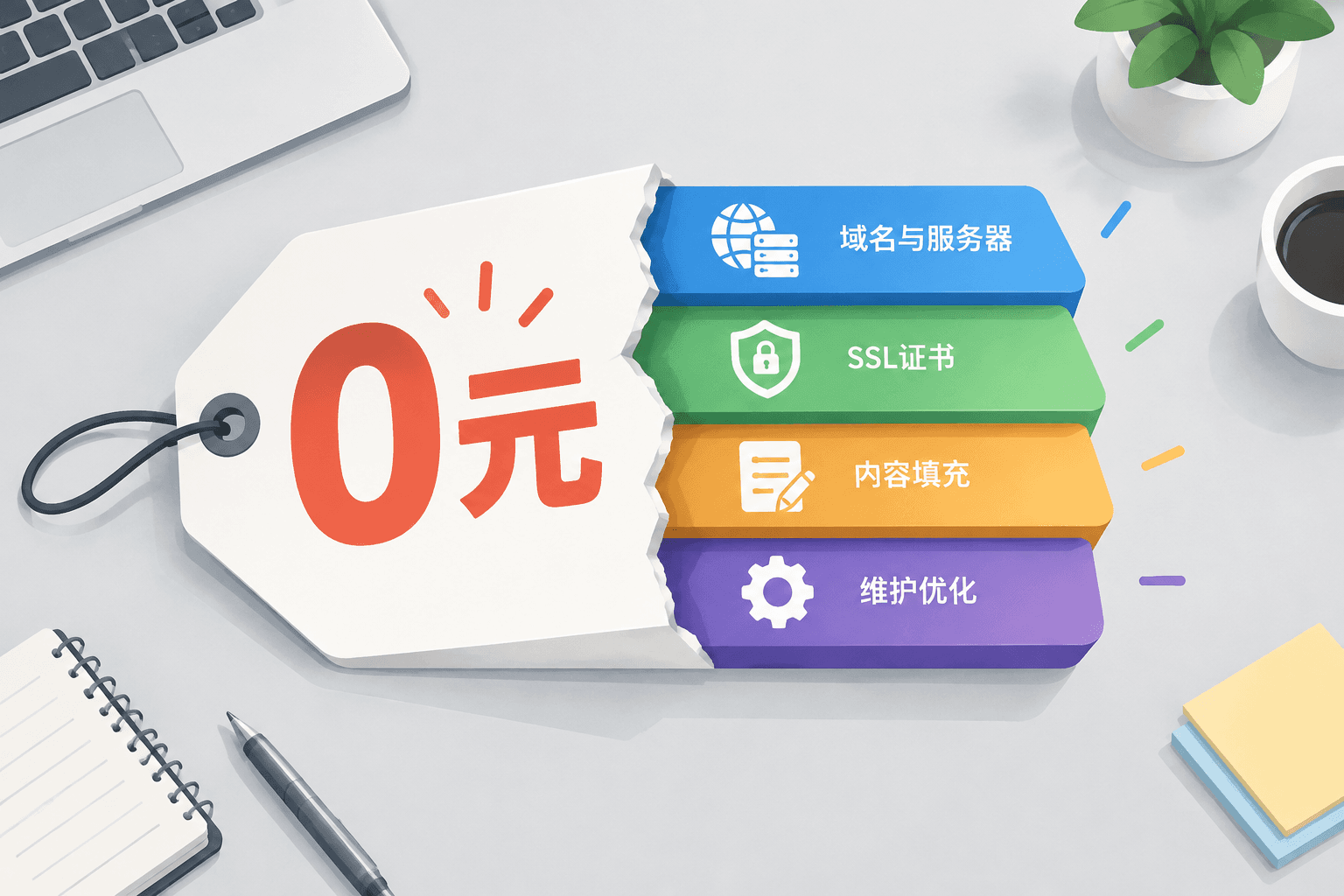
0 yuan. As I enter my 8th year of building websites for foreign trade, whenever I hear this number, my first question is always: How do you plan to make up for the rest?
The claim of "free website building for corporate enterprises" usually only waives the setup action itself—using free templates to drag and drop a few pages indeed costs nothing. But for a website that can receive inquiries, get indexed by Google, and run continuously, the cost has never been limited to just the "setup" step.
Short. The accounts need to be broken down and calculated.
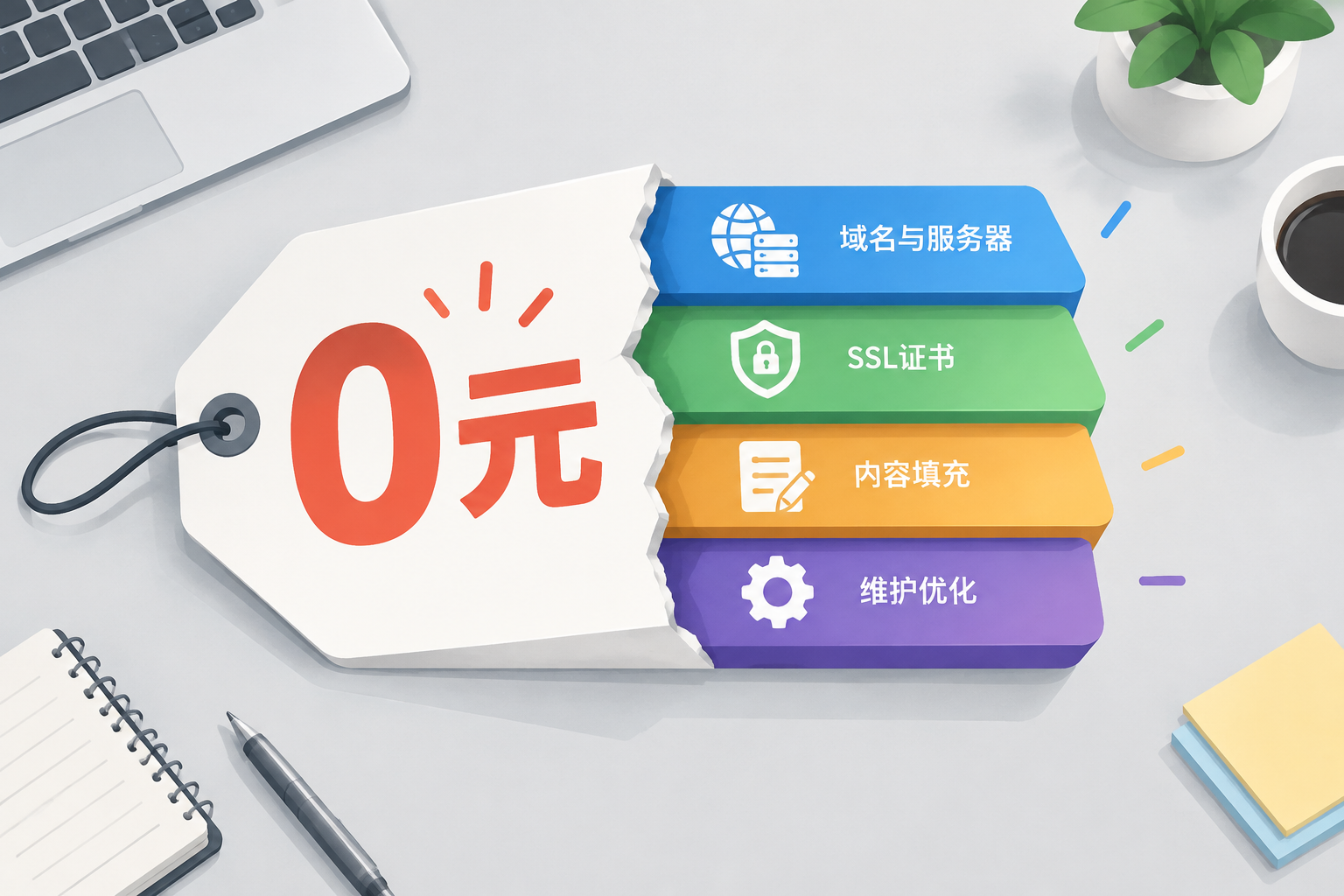
Corporate free website building: What exactly does "free" waive?
In our industry, we are used to breaking website construction costs down into 4 layers: Domain and server, SSL certificate and security configuration, content filling and page design, post-launch maintenance and indexing optimization. Free solutions usually only cover the most basic part of the first layer, leaving the remaining 3 layers to be compensated either with your own time or with money later on.
I've seen quite a few companies use free website building tools to set up a page, and 3 months after launch, Google indexing was 0, and inquiries were 0. It's not that the tools are bad; it's that no one did the subsequent tasks.
A free solution can help you validate the idea of "whether to make a website," but it cannot support the goal of "getting customers through the website."
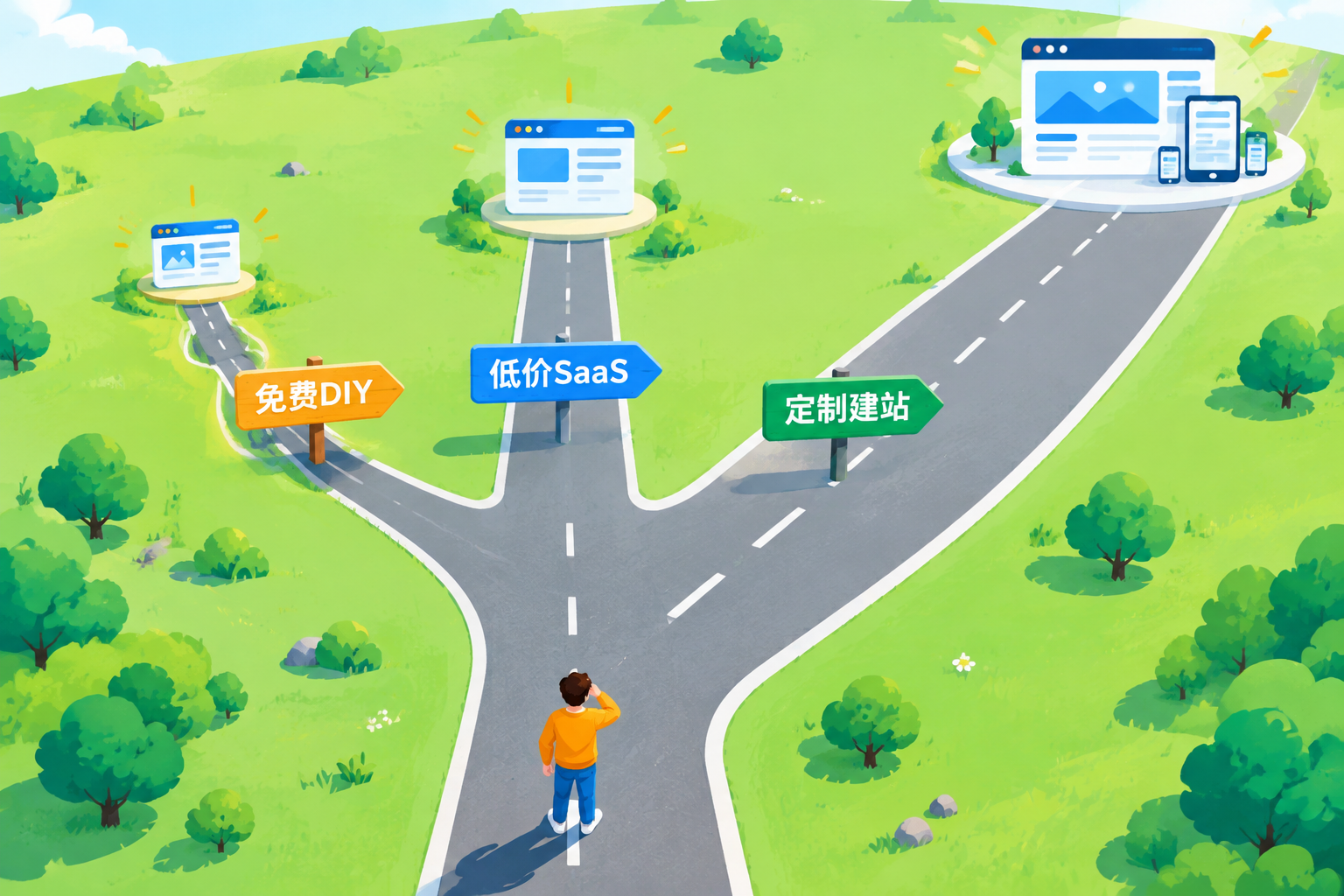
Comparing 3 paths together: Free DIY, low-cost SaaS, and custom website building expenses
I have put the 3 most common approaches into a table, which you can check against your own situation:
| Comparison Item | Free DIY (Wix/WordPress.com Free Plan) | Low-cost SaaS (Annual Subscription Platform) | Custom Website Building Service |
|---|---|---|---|
| First-year cost | 0 yuan (Domain extra) | Hundreds to thousands of yuan annual fee | Evaluated based on needs, click here for specific quotation details |
| Domain ownership | Mostly platform subdomains | Can bind custom domain | Fully owned |
| Google indexing capability | Limited, free version often cannot submit sitemaps | Basically supported | Proactively configure indexing and structured data |
| Multi-language expansion | Basically unsupported | Partially supported, requires extra fee | Reserved at the architecture level |
| Inquiry conversion design | None | Basic forms | Industry-customized landing pages and forms |
| Subsequent maintenance | All by yourself | Platform hosted, features limited | O&M support available |
Conclusion: Free solutions are suitable for validating ideas; to receive inquiries and drive Google traffic, you must at least reach the second tier; for those with long-term overseas expansion plans, the total cost of ownership for the third tier is actually lower.
Regarding how much website building usually costs, I previously broke down a detailed account and won't repeat it here. I will only say one thing: what varies greatly in quotations is not the number of pages, but the functional touchpoint alignment.
4 delayed accounts: Check item by item before starting
No matter which path you choose, the following 4 bills will be due sooner or later. Check them off before starting so you know what to expect:
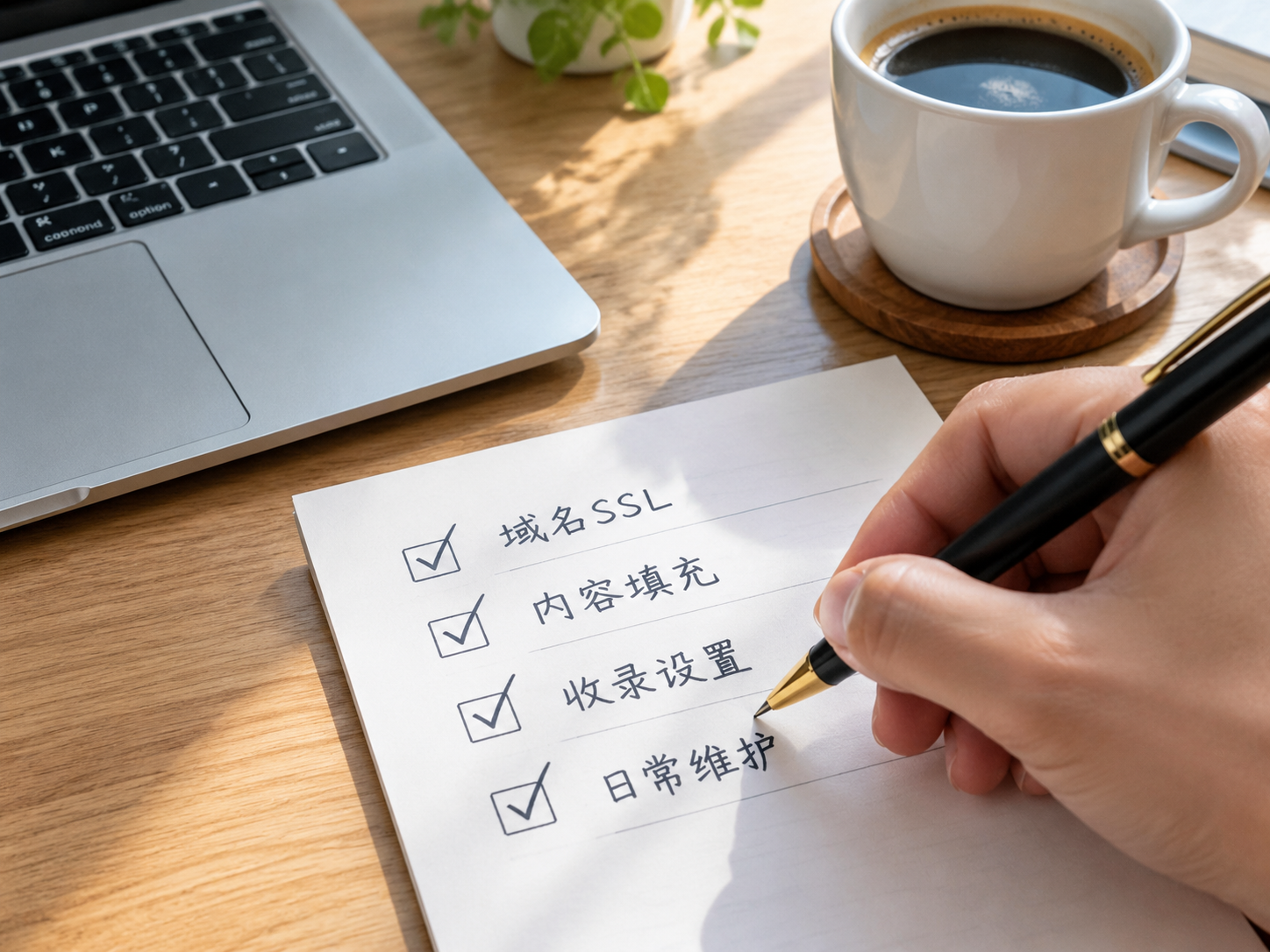
- Domain and SSL: Free platforms give you a subdomain (like yourname.wixsite.com), which customers cannot remember and Google doesn't trust. A custom domain costs tens to over a hundred yuan a year, and an SSL certificate is a must, otherwise browsers will directly flag it in red.
- Content filling: Templates only solve "having pages," not "having content." Product descriptions, company profiles, and industry keyword placement either take you dozens of nights to write yourself or require hiring someone.
- Indexing and SEO basic setup: Launching a website does not equal being seen. Sitemap submission, structured data, and page speed optimization—without these configured, Google has no idea you exist.
- Daily maintenance and updates: Plugin updates, security patches, and content iteration. Free solutions lack technical support, and when problems arise, you can only figure them out yourself or start over from scratch.
These 4 bills are the costs you will truly need to make up for behind "0-yuan website building."
Regarding the 6 constituent items of foreign trade website building costs, I broke them down in more detail in that article, and I'll just leave you with one reminder: Items not written in the quotation will all become price-markup items later.
Frequently asked questions about corporate free website building
Q: Can I use free website building tools first and upgrade later?
Yes, but the migration cost must be factored in. Content export on free platforms is usually incomplete, and the SEO authority accumulated cannot be taken away. In the projects we've handled, the most common stumbling block is "spending half a year on a free platform, only to find that migration means starting from zero."
Q: Our company budget is indeed tight, is there a compromise solution?
Yes. First use an open-source website building system to build a minimum viable version, concentrate the budget on the domain, SSL, and basic SEO configuration, build 5 to 8 core pages first, and expand gradually later. This is more cost-effective than wasting time on a free platform.
Q: Will Google treat free and paid website building differently?
Google won't downgrade your ranking just because it's "free," but the common technical limitations of free solutions—such as being unable to customize structured data, slow page loading, and inability to submit sitemaps—will directly affect indexing. The algorithm itself is not discriminatory, but technical shortcomings will hold you back.
Short. Think clearly before taking action.
If you are evaluating whether to build a site and which type to build, you can start with a free requirements assessment—list your site format, page scale, and functional needs clearly, and you can get a detailed quotation within 1 working day, with every expense item clearly explained. The prerequisite for not wasting money is knowing where your money should be spent in the first place.