
Building a WordPress Site: Breaking Down the 5-15 Working Days, These 3 Criteria Help You Avoid Rework
Many foreign trade business owners want to build their own WordPress sites, thinking installation means completion, only to get stuck on hosting selection, plugin conflicts, and multilingual setup. This article breaks down the 5-15 professional working days timeline and provides three checklist criteria: domain/hosting, themes/plugins, and multilingual/SEO basics. After reading, you'll know whether to DIY and how to choose hosting without slowing down your site. Next steps include learning websi
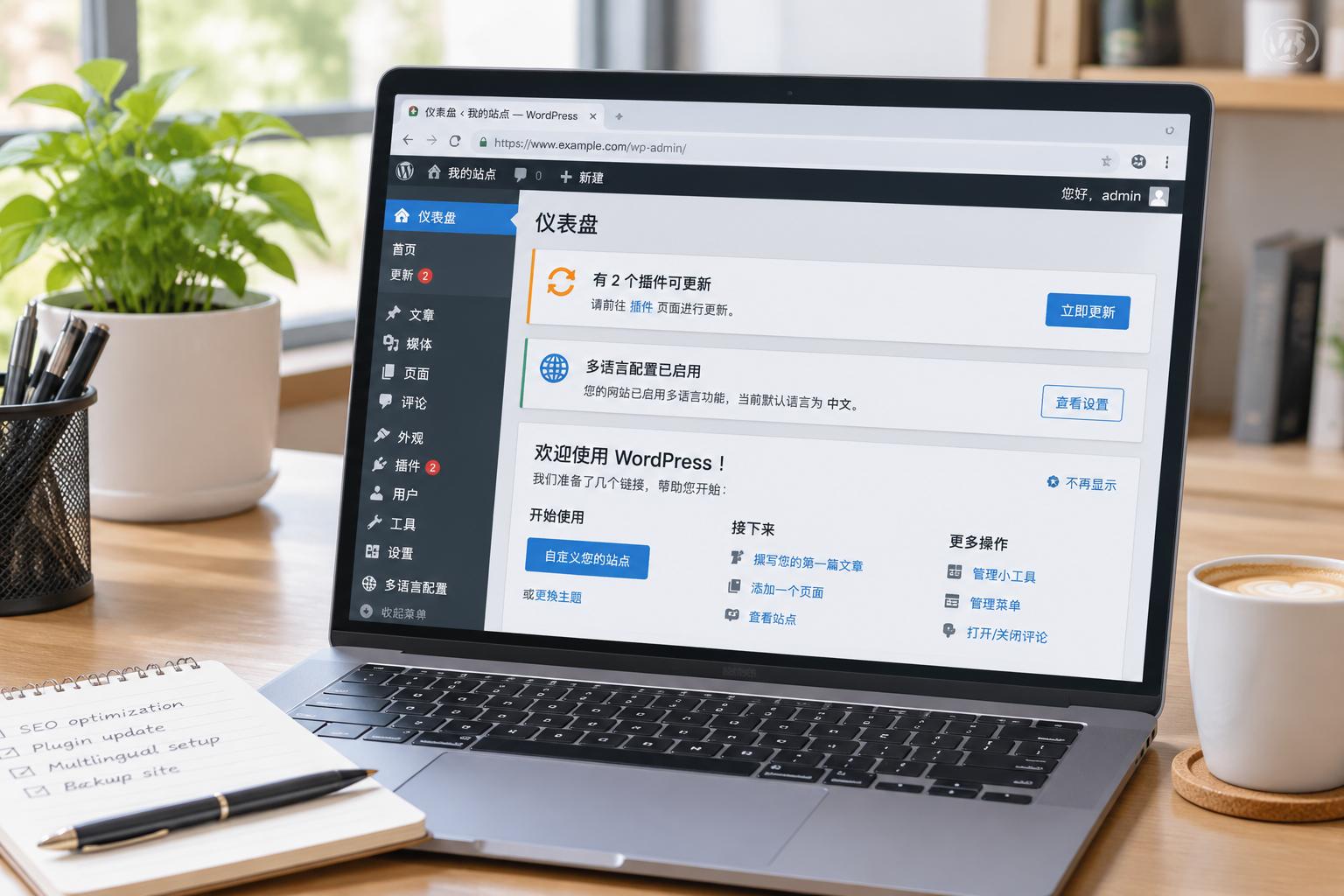
This article is written for just one type of person: you've already had the thought of building your own foreign trade website using WordPress, but haven't started yet. If you're still debating whether to build it yourself or have long decided to outsource, the criteria below can help you avoid pitfalls. I won't pressure you to take a specific path, but I will break down the actual math for you.
Building a site yourself with WordPress is different from buying a ready-made SaaS template. WordPress is an open-source website building system, meaning you don't pay licensing fees, but you must manage your own hosting, backups, security, and updates. None of these tasks are difficult on their own; the tricky part is when they all happen at the same time. Therefore, I don't use "can it be installed" as a benchmark, but rather "can it run stably in the long run."
First, understand the 5 to 15 working days figure
When we build standard foreign trade official websites, they can go live in 5 to 15 working days. This assumes clear navigation menus, content is already prepared, and there is no e-commerce module. This number isn't pulled out of thin air; it's our actual scheduling timeline. However, people who build their own sites using WordPress rarely finish within that same timeframe. That's because what holds you back isn't "installing WordPress," but the string of configurations that follow.
So don't rush to download the latest version just yet. Check your situation against the three criteria below before deciding whether to take it on yourself.
3 criteria to check one by one before deciding to build it yourself
- Domain and Hosting: Can you handle your own DNS resolution, set up an SSL certificate, and evaluate hosting locations and spam IPs? If you can't manage this, keeping the website stably online will be a toss-up.
- Themes and Plugins: Can you accept dealing with updates at least once a month? When plugins conflict, white screens of death are a common occurrence.
- Multilingual and SEO Basics: Do you have time to configure hreflang, submit a sitemap, and check structured data? If these aren't done, Google might only index one language version.
If you don't have a clear answer to any of these three, building the site yourself will likely lead to having to redo everything two weeks later. The most common scenario I've seen is: the theme is installed, the homepage loads, and the boss thinks the website is done. Yet, it's completely invisible in Google searches, or customers land on a Chinese page instead of an English one. All these issues lie at the WordPress configuration layer, not the installation layer.
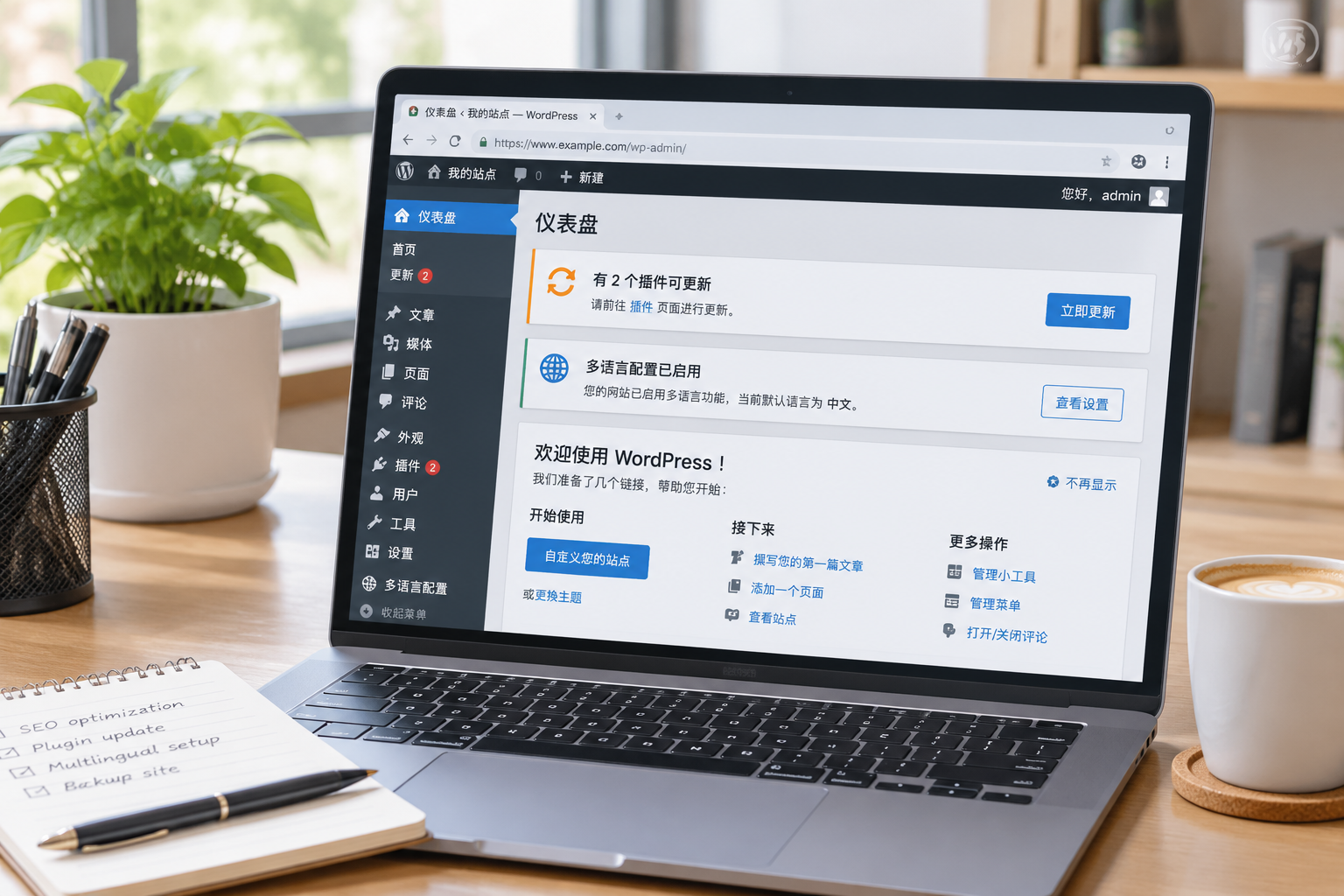
A word of caution on choosing hosting

Let me remind you, hosting isn't just about the core count and RAM listed on the spec sheet. First, analyze your website type and design. If you plan to build a homepage with multiple images and banners, you must ensure sufficient bandwidth; otherwise, if the homepage takes over 3 seconds to load, both visitors and Google will lose patience. Search engines also tend to direct users to servers geographically close to them. So if you're targeting the US market, place your hosting on the US West or East Coast, and don't cheap out on small Southeast Asian server nodes.
If you don't know where to host your website, look at which country your inquiries primarily come from. Target Frankfurt for the German market, US West or East for the US market, and consider Singapore or local server rooms only if you're targeting Southeast Asia. Being closer to users means faster round-trip requests—this isn't superstition, it's network latency.
Also, watch out for spam IPs. Cheap hosting providers often cram a bunch of neglected sites onto the same IP block, and these IPs frequently carry a bad history. Search engines won't penalize you directly just because you use them, but there's no reason to gamble on such risky neighbors. Checking IP reputation before buying hosting is much easier than changing server rooms later. WordPress itself isn't picky about hosting, but foreign trade websites certainly are.
What to learn next
After evaluating these three criteria, if you still want to tackle it yourself, I suggest checking out the comparison in Website Building Methods and Platforms to clearly understand the differences between SaaS and open-source. That article titled Installing a Theme Doesn't Mean Your Foreign Trade Site Is Ready breaks down our most common points of rework.
If you finish reading and find you can't meet two or three of these standards, don't force it. Building a site yourself doesn't save you money; it just costs you multiples of that time fixing mistakes later. Doing a requirements assessment beforehand is much more cost-effective than blindly starting work.