
Order of Operations for Multilingual Website Creation: Architecture First, Content Second, Hreflang Last
Quotes for multilingual website creation vary greatly: some agencies only list page translation, while others break down language architecture, URL rules, and hreflang into separate line items. The difference isn't translation volume, but whether Google can index those language versions separately. Set up your language directories and default language first, then add content; treat machine translation only as a draft and rework titles based on local search terms; finally, interconnect via hrefla
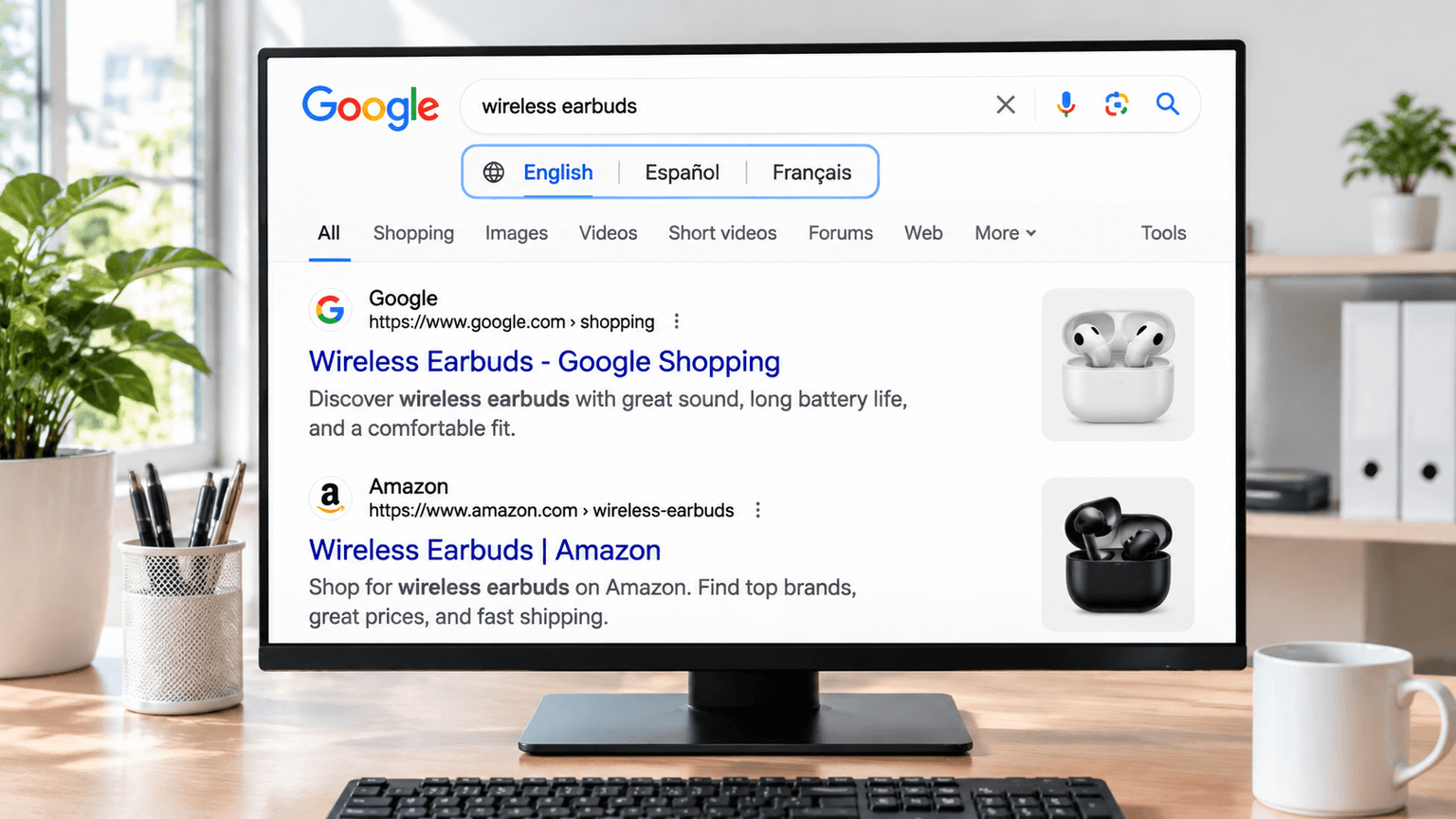
Some agencies offer multilingual website creation and only list "translate pages" in their quote; others break down "language architecture, URL rules, hreflang, and content layout for each language" into separate line items. The difference isn't about who is cheaper or more expensive—the former will likely just produce a translated copy, while the latter can actually be indexed separately by Google by language.
Conclusion: Multilingual website creation is not a translation problem; it is a site structure and semantic markup problem.
Decide on the language architecture first, or translate the pages first?
Decide on the language architecture first. We've overhauled quite a few B2B foreign trade websites, and one of the trickiest scenarios is when a client first hires a translation agency to translate all pages into English, Spanish, and French, and then comes back asking why these language versions aren't getting indexed. The reason is usually not the translation quality, but the fact that the URL rules weren't established in the beginning.
The first step in multilingual website creation should be confirming how these languages map to URLs: whether they use subdirectories like /en/ and /es/, subdomains, or separate top-level domains. This decision affects all subsequent backlink and authority accumulation. Subdirectories inherit the main domain's authority, subdomains require building authority from scratch, and separate domains require individual investments for each. If you translate first and host the content on URLs with parameters or auto-redirects, changing the structure later means redoing all your already indexed pages.
Action: Before starting any translation, write the language directory, default language, and switching rules into your requirements document. To explore the boundaries of language architecture, check out our previous guide on B2C Multilingual Foreign Trade Website for more detailed insights.
Summary: Fix the architecture first, then translate. Reverse the order and your later costs will double.
Can you just use raw machine translation for all language pages?
You cannot machine-translate the entire site as-is. We aren't against AI translation; we are against publishing raw machine-translated text verbatim as official language versions, especially for B2B product descriptions and specification sheets. Google treats automated low-quality translated content very directly—this isn't speculation, but a content quality signal repeatedly emphasized in official algorithms. A large number of machine-translated pages will be flagged as duplicate low-quality content, dragging down the overall quality score of the entire site.
In multilingual website creation, machine translation should only serve as a first draft. Human editors must review and refine product terms, specifications, after-sales terms, and localized phrasing. This step doesn't necessarily mean rewriting word for word, but you at least need to fix the parts where search habits differ the most. If a Chinese product title says "不锈钢法兰" (stainless steel flange), English-speaking users might search for "stainless steel flange" rather than a literal translation like "flange of stainless steel." Page titles are semantic-driven; when doing multilingual keywords, you must match local search terms and expand upon them, rather than making up a term with zero search volume, nor simply copying a term just because it has volume elsewhere.
Summary: Machine translation is a draft, not a launch-ready copy. Human editors don't fix typos; they fix search terms and local phrasing.
How do you let Google know these language versions are part of the same site, not mutual plagiarisms?
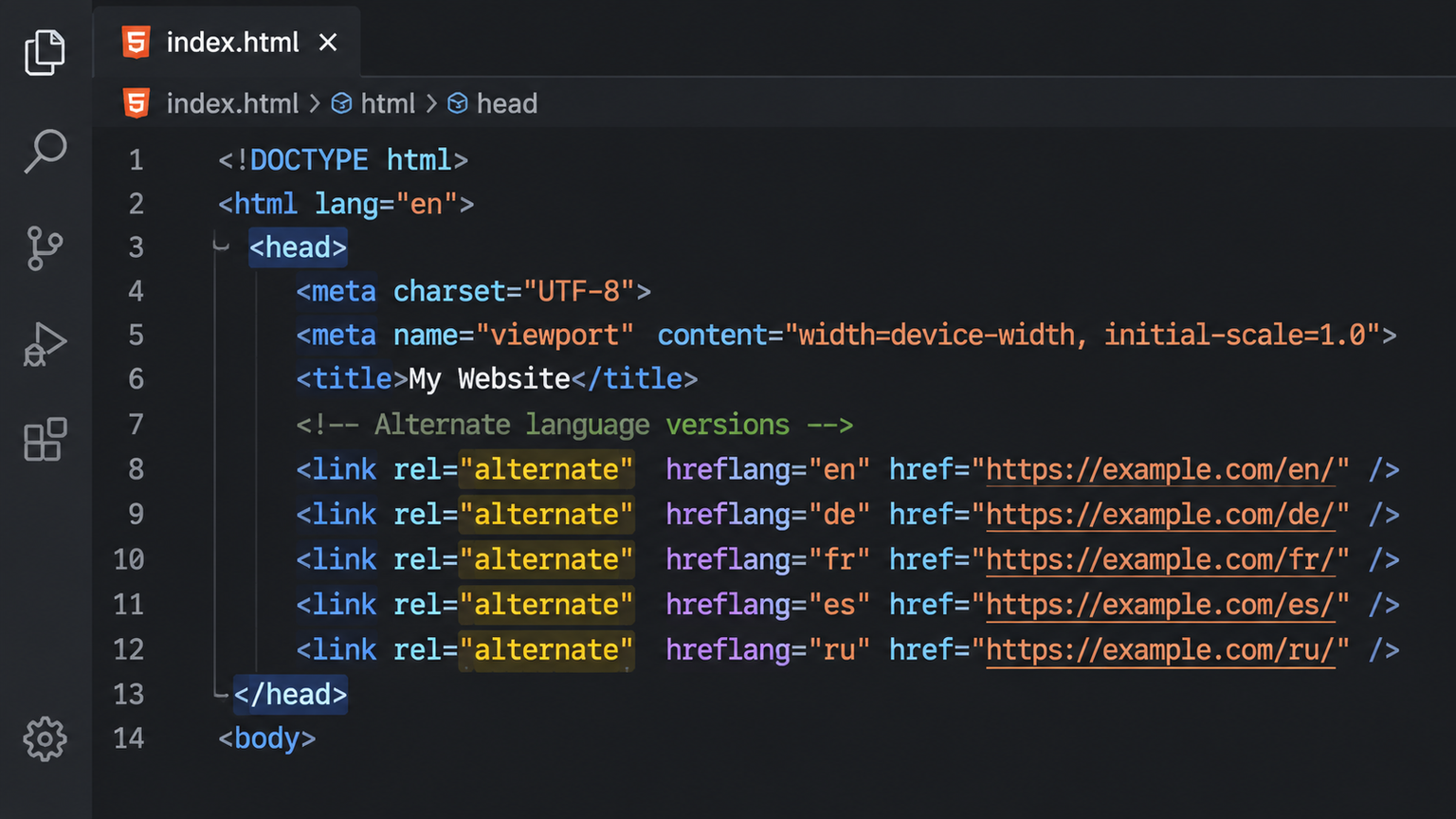
Use hreflang tags to have each language page point to one another. Hreflang is a type of structured data placed in the page's source code to tell Google which language and region version corresponds to that page. During multilingual website creation, the most easily overlooked element is x-default: which default page should visitors fall back to when their language doesn't match any available version?
We have audited quite a few foreign trade websites where the language switcher looks great, but the code lacks hreflang tags, or they only set up mutual links for a few languages. As a result, Google treats the English and Chinese pages as two duplicate pages, indexing only one while leaving the other unindexed long-term. The correct approach is to clearly write out rel=alternate and hreflang in the head section of every language page, ensuring every pair of language versions points to each other. Once submitted, use a sitemap or API indexing submission to prompt search engines to recrawl these URLs. You can find similar experiences in our article on How to Pass the Indexing and Multilingual Hurdles When Building a Wix Foreign Trade Independent Site.
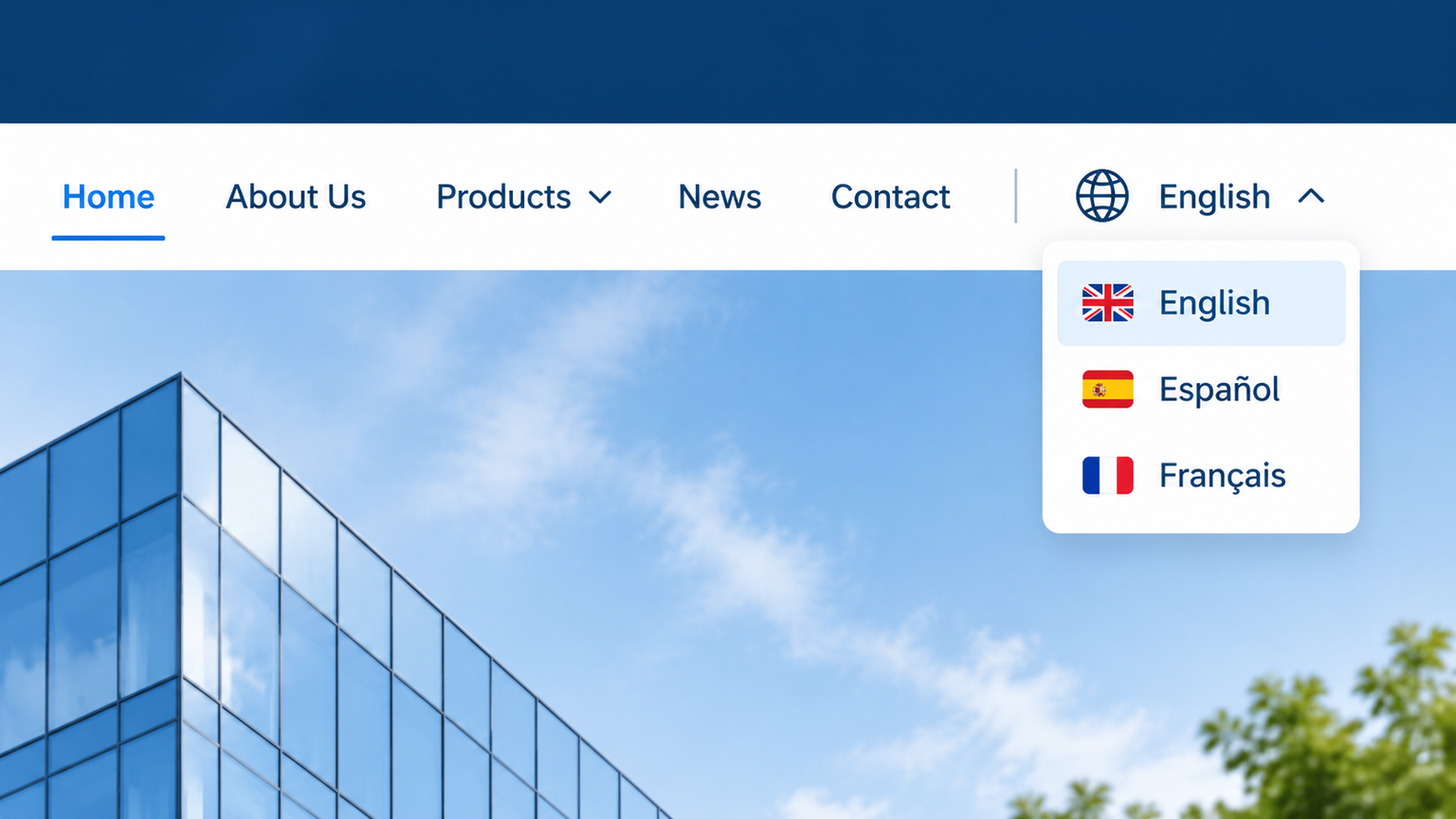
Summary: The relationships between language versions must be coded into the site; you cannot rely solely on a visible language switcher button.
Don't just accept a lump-sum budget quote. Only four factors affect pricing: site format (whether it's a showcase corporate website, an e-commerce store with online checkout, or a multilingual site network); page and category scale; functional integration touchpoints (such as cross-border payments, multi-currency support, and logistics tracking); and internal system integrations. For a site including multilingual and e-commerce modules, our timeline is typically 7–25 working days, while a standard corporate website takes 5–15 working days. Specific quotes must be evaluated based on requirements, with a detailed breakdown provided within 1 working day after submitting your brief, clearly spelling out where every penny goes. You can check pricing guidelines on our Foreign Trade Independent Site Development Service List.
- List your language scope first: Write down the actual markets and languages you want to target, instead of trying to launch a dozen languages all at once. Starting with two or three language versions covering your primary target customers is much more effective than rolling out a bunch of half-baked pages.
- Determine the site format next: Confirm whether it's a showcase corporate website, an e-commerce store with online checkout, or a multilingual site network, as this directly dictates the timeline and pricing.
- Confirm functional touchpoints last: Decide whether features like cross-border payments, multi-currency support, and logistics tracking need to be integrated. Your budget should be estimated based on these three variables: site format, page and section scale, and functional integrations.
If you're unsure about language priorities and site formats, feel free to send over your requirements for a free assessment.