
Take These 3 Steps Before SaaS Website Building: From Scenario Selection to Trust Signals, Avoid Pitfalls
You might think SaaS website building is just paying a monthly fee and registering an account for an automatic launch, but it actually packages servers and programs into a subscription while content and conversions are up to you. This article breaks SaaS website building into three actions: confirming usage by business scenario, checking a self-test list for domains, data exports, SSL, payment interfaces, and entity info, and finishing with a one-line principle on data and trust. Read this to te
目录
- SaaS Website Building Doesn't Mean Outsourcing Everything: Understand What You Are Actually Buying
- Match Yourself to Three Scenarios: The Conclusions Are Completely Different
- Before Deciding on SaaS, Check Off This Self-Test Checklist
- Conclusion with One Principle: First Judge Data Ownership, Then Page Control
You might think that building a website with SaaS just means paying a few hundred bucks a month, registering an account, and having your site go live automatically. In reality, SaaS website building merely bundles servers, program maintenance, and basic templates into a subscription model. What truly determines whether a website can generate inquiries is the system you choose, the content you fill in, and the conversion paths you configure. In the SaaS website optimization projects my team handles, I often encounter clients who bring us a site with nothing but product images and no corporate entity information, asking why Google hasn't indexed it. The problem almost always stems from getting the first half wrong.
I break SaaS website building down into three steps: first, determine whether you should use it based on your scenario; second, check key configurations against a self-test checklist; and finally, use a single principle to decide whether to renew your subscription.
SaaS Website Building Doesn't Mean Outsourcing Everything: Understand What You Are Actually Buying
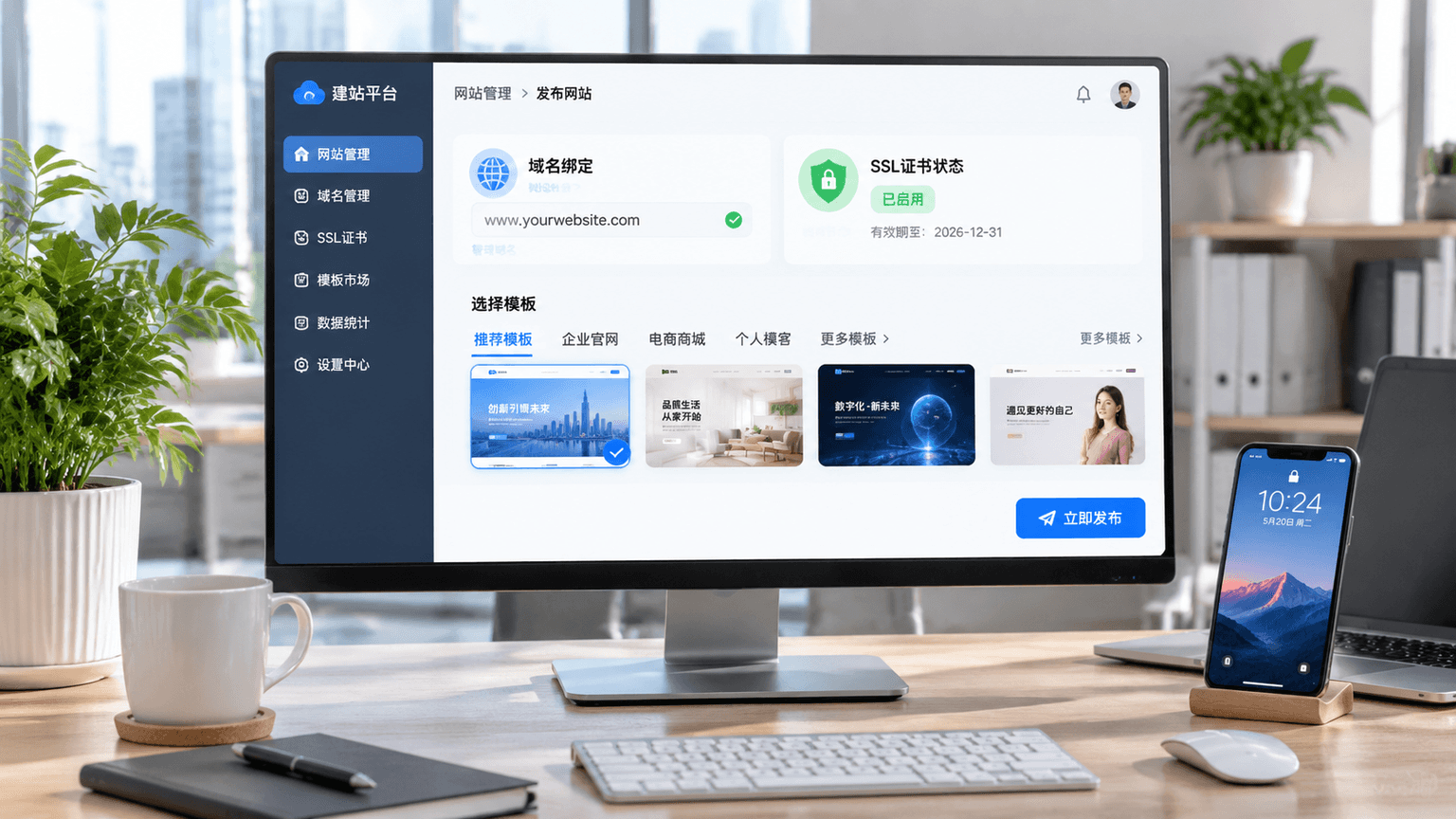
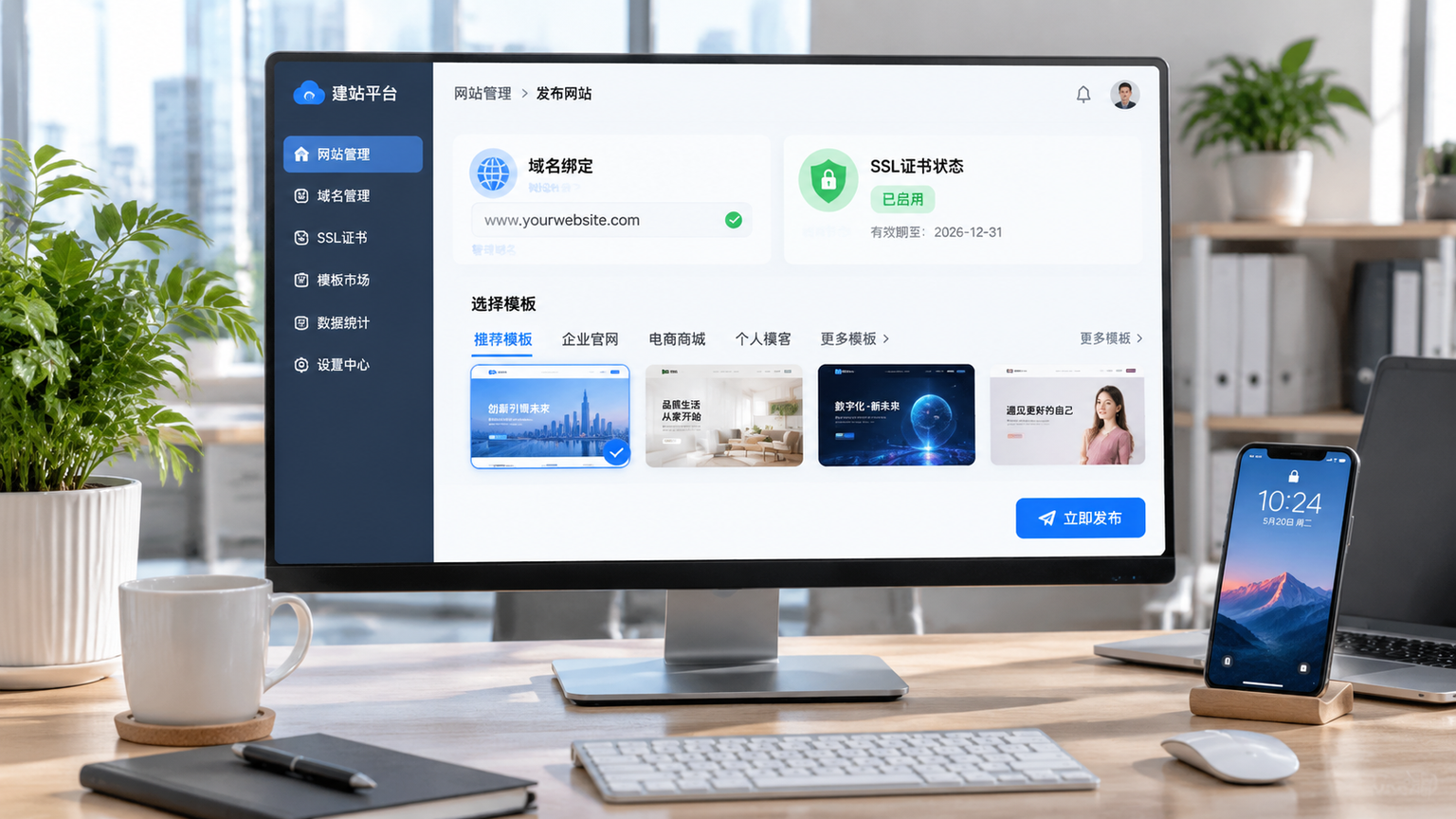
SaaS stands for Software as a Service. In the context of website building, it means the platform deploys the website builder, database, and servers in the cloud. You pay a subscription fee and get a login backend. In our line of work, we are used to understanding SaaS as a "finished apartment with a backend," rather than a "fully decorated apartment where even the interior design is included." What you get is the structure, templates, and basic functions; domain binding, category planning, copywriting uploads, payment methods, and inquiry forms still need to be handled by someone.
What SaaS website building saves you from is server maintenance and technical deployment, not content strategy and conversion design. If you expect customers to just show up because you opened an account, you will most likely get stuck in a state of "no traffic, no inquiries, and just a set of templates." To decide whether to use SaaS, look at it alongside the other two paths: in Independent Site Platform Comparison: SaaS, Open Source, and Custom—Where the Money and Time Differ, I wrote about how money and time differ among the three methods, so I won't elaborate here.
Match Yourself to Three Scenarios: The Conclusions Are Completely Different
First, identify your current business model—don't try to apply B2C e-commerce requirements to a B2B showcase SaaS.
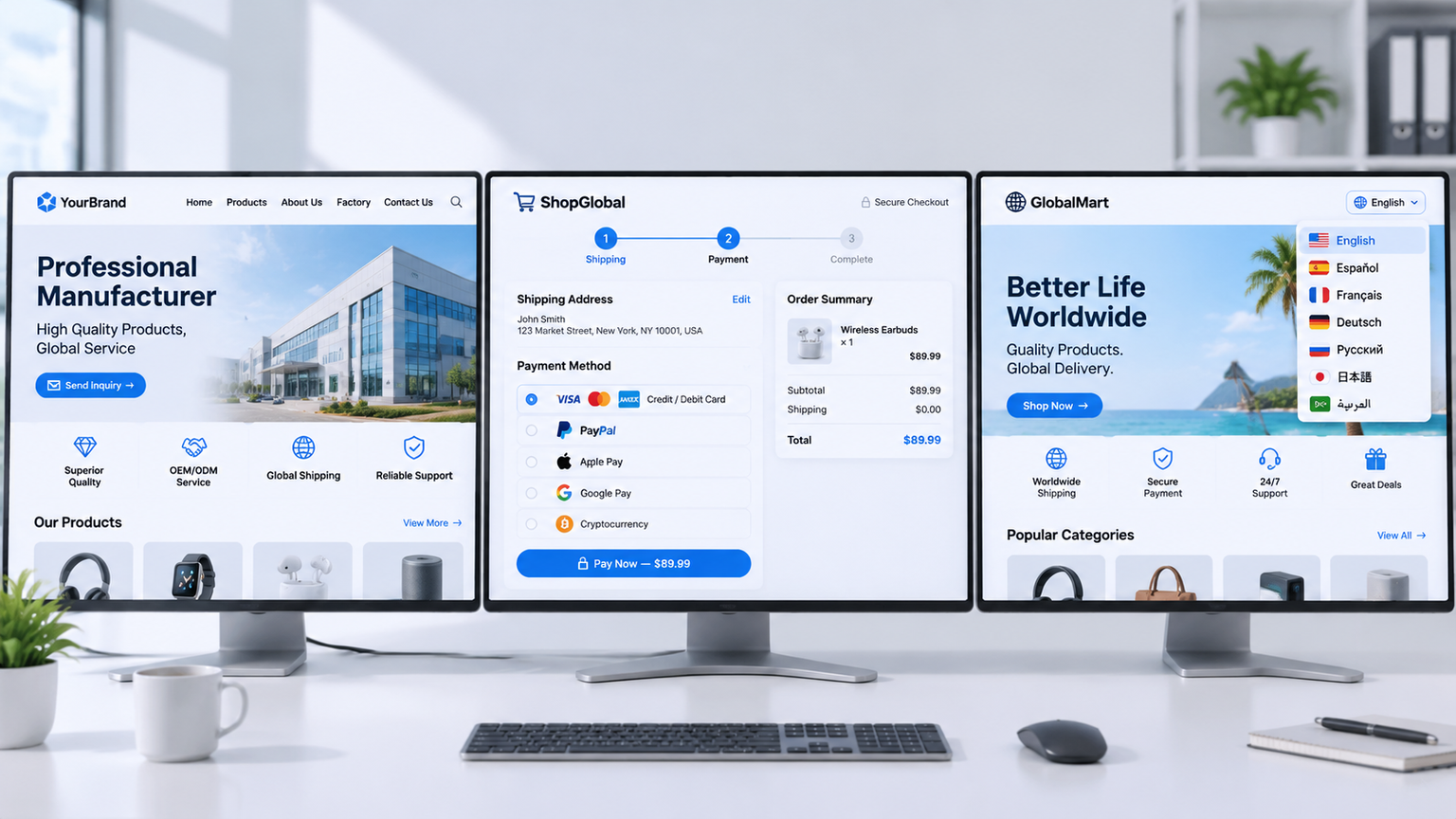
Scenario 1: Foreign trade B2B showcase official website, focusing solely on company introductions, product categories, and inquiry entry points. For this type of site, the page structure is fixed and content is not updated frequently, making SaaS website building a very cost-effective choice. Bind your domain, clearly explain your factory and products on the homepage, put a prominent inquiry button on every product page, and add online customer service—that's basically enough. But remember, the conversion action for a B2B site is an inquiry, not an order; don't turn the form into an e-commerce checkout page. This point corresponds to what we often call the inquiry logic: first let customers send their specific requirements, and then move on to quoting and sampling.
Scenario 2: Cross-border B2C e-commerce mall requiring multi-currency, cross-border payments, logistics tracking, and order management. If you choose SaaS for this type of site, you must first confirm the platform's level of support for payment integration and logistics interfaces. We have seen quite a few people cobbling together an e-commerce mall using general SaaS templates, only to have their payment channel blocked by chargebacks, freezing their entire settlement funds. This has nothing to do with SaaS itself; it's a failure to evaluate business complexity beforehand. E-commerce malls are closer to the selection issue of website building systems; you can't just buy a template and expect it to work. Cross-border payments involve multi-currency settlement and risk control—what looks like a button to an outsider is actually a channel strategy.
Scenario 3: Multi-language site networks requiring independent versions and hreflang tags for different markets. For some SaaS website building platforms, multi-language support is merely at the level of a translation plugin rather than independent language versions. This directly affects how Google understands multi-language pages. If you need multi-language interlinking, don't just look for a "language switch" button in the backend; confirm whether it can output structured data and hreflang configurations. Hreflang tells search engines how different language versions point to one another; miss it, and German and English pages may be judged as duplicate content.
A quick side note: no matter which scenario you choose, trust signals for foreign trade B2B cannot be skipped. When Google evaluates page quality, it looks at E-E-A-T—Experience, Expertise, Authoritativeness, and Trustworthiness. Specific to SaaS website building, the easiest way to lose points is having "no corporate entity information, no author attribution, and no real-world case studies or photos." Over the past few years, when helping clients diagnose their sites, we found that AI-generated content applied to template sites without any corporate endorsement is almost always classified as low-quality content. So don't use SaaS as an excuse to "fill in content carelessly and fix it later"; entity information must be fully in place from the start.
Before Deciding on SaaS, Check Off This Self-Test Checklist
Don't rush to pay—go through each item below. The beginning of each item is the point to evaluate; check them off before making a decision.
- Do you own your domain name? If not, stop right there. Subdomains assigned by SaaS platforms won't rank well, and both Google indexing and brand trust will take a hit.
- Can data be exported? Products, customer inquiries, and article content must at least be exportable as CSV or JSON with a single click. If you can't export, trying to migrate later will be a disaster.
- Is an SSL certificate automatically included? Independent sites must use HTTPS. If a SaaS platform asks you to buy a certificate separately, switch platforms immediately.
- Do the payment and logistics interfaces cover your target markets? Requirements for Southeast Asia differ from those for Europe and the US; list your requirements first and match them against the platform's capabilities.
- Can corporate entity information be displayed? This relates to E-E-A-T trust signals. Sites without an address, phone number, registration info, team attribution, and real case studies are much more likely to be judged as low-quality content by Google.
- Is the URL structure customizable? URLs with fixed random code parameters are not friendly to indexing; make sure you can change them to semantic paths before proceeding.
Every single item here corresponds to a common pitfall. It's not about meeting every requirement, but rather forcing you to separate "being usable" from "running a business." If you just want an official website that can be opened, many SaaS options will suffice; if you rely on it to generate inquiries, at least the first four items on the checklist are non-negotiable.
Conclusion with One Principle: First Judge Data Ownership, Then Page Control
When choosing a SaaS website builder, the final principle you can relay to your team is simply this: Data follows the domain, and trust follows the entity. You must own your domain name, customer inquiries and product data must be exportable, and corporate entity information and author attribution must be displayable. Treating these two points as your primary principles when selecting SaaS is more useful than watching any template demo. If you are unsure whether your site should use SaaS or a custom solution, you can first list out your site format, page scale, and functional touchpoints. Make your decision after a requirements assessment, and you can get a detailed quote within 1 business day without paying upfront.