
Still Think Installing a Theme Means Your WordPress Export Site Is Ready? These 3 Misconceptions Are Fatal
Many small and medium-sized business owners think knowing how to install WordPress means they can build an export website, but being able to open a site and being able to generate inquiries are two different things. I've seen too many sites where only a theme was installed and image filenames remained IMG_2048: Google doesn't index them, image searches can't find them, and inquiries are zero. This article lays out 3 common misconceptions: themes don't equal conversions, free doesn't mean costles
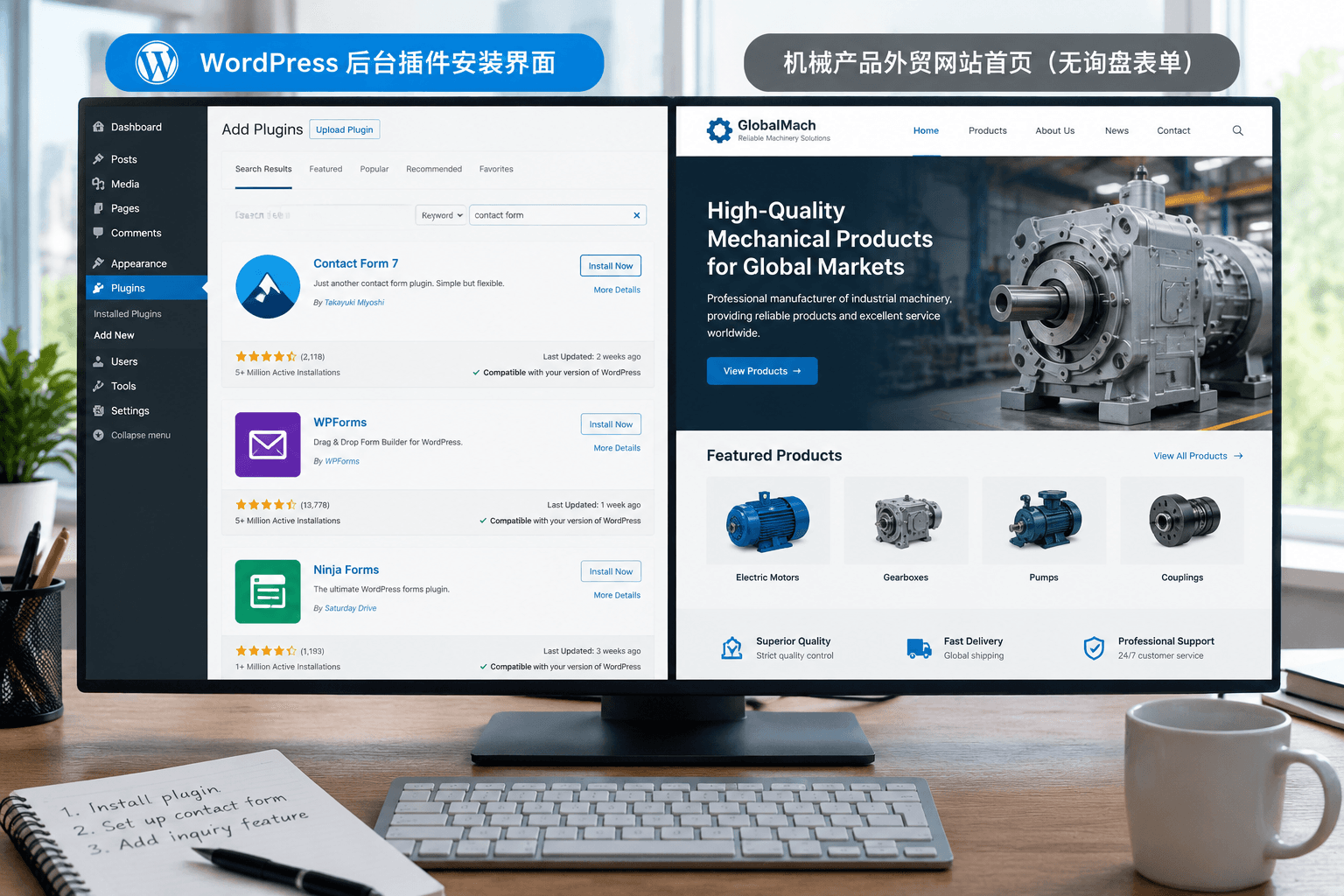
I've taken on quite a few client consultations where they open with, "I can install WordPress, just apply an English theme for me." Every time, I have to stop and explain: clicking install in WordPress gets you a website that opens; but an independent B2B export website that actually generates inquiries is a whole different ballgame.
These two concepts are easily confused. Being able to open simply means the browser can display the page; being able to generate inquiries requires Google to understand you, clients to find you, and visitors to be willing to send an inquiry.
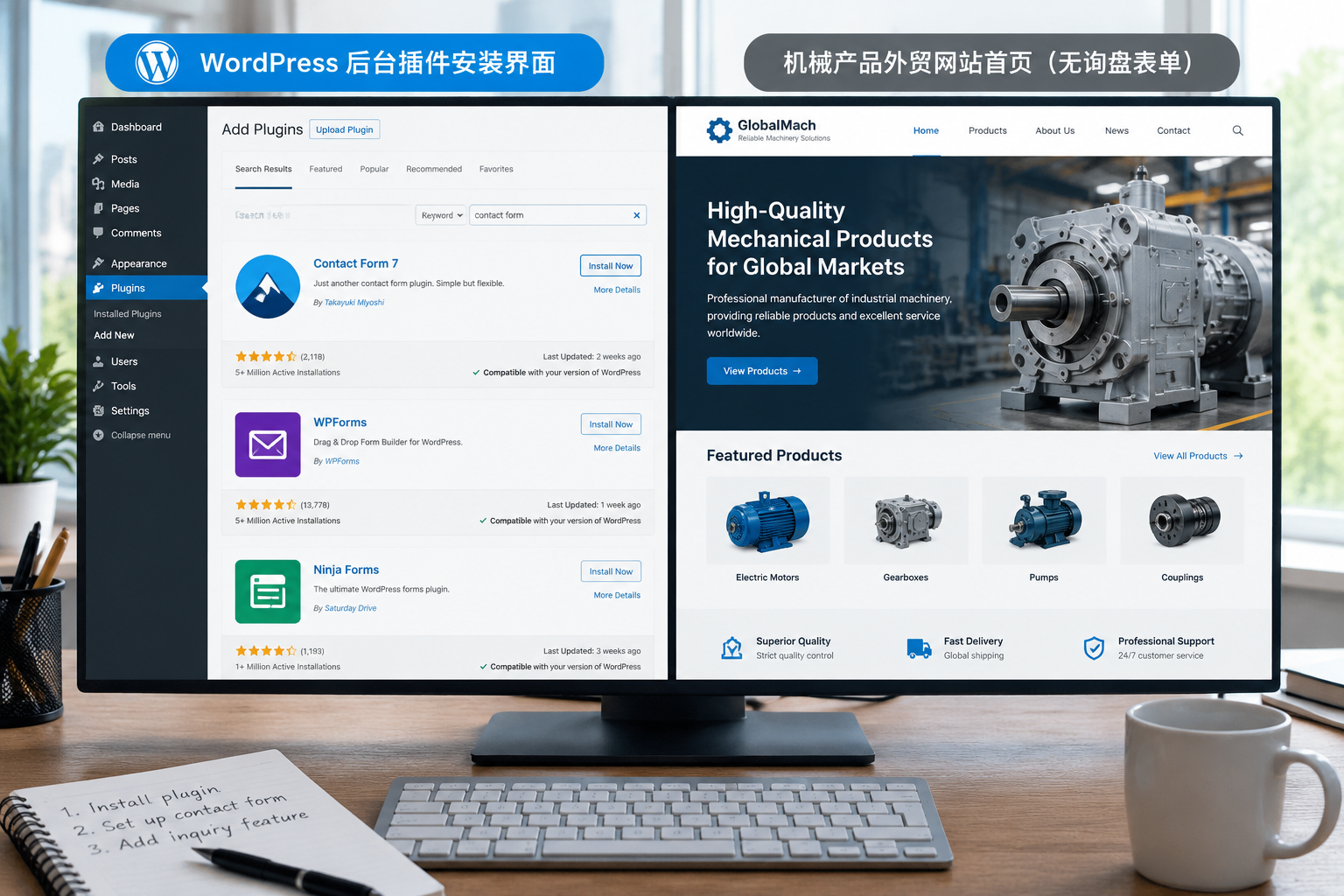
Misconception 1: Installing a theme and plugins means the website is done
In this industry, we're used to thinking of WordPress themes as the frontend skin and plugins as feature switches. But skins and switches aren't responsible for three things: content structure, search engine comprehension, and the conversion path.
Many clients install an English theme and a multilingual plugin, thinking their export official website is all set. But an export site capable of receiving inquiries needs at least the following elements completed:
- Product categorization and information architecture, so Google doesn't miss your key products
- Inquiry forms and online communication entry points, placed right where visitors want to reach out
- Multilingual cross-linking, also known as hreflang, telling Google that the English and Chinese pages are different versions of the same content
- Sitemaps and structured data, making it easy for search engines to crawl and display rich snippets
I've seen plenty of sites with gorgeous backend screenshots where you can't even find an inquiry button on the frontend.
Themes only dictate what the frontend looks like, not how Google understands your page. Without structured data, Google search results will only display a single line of a title without product ratings, prices, and breadcrumbs, naturally resulting in a much lower click-through rate.
Misconception 2: WordPress is free, so building an export site costs nothing
WordPress is open-source software, so you certainly don't need to buy a license. But an independent export website is a living entity, not something you just install and leave sitting there.
We break down the cost of building a WordPress export site into three parts: foundational environment, functional components, and maintenance time. All three will incur expenses.
- Domain names and servers generate fixed annual costs; you need paid hosting if you want stability
- Commercial themes, caching plugins, security plugins, and multilingual plugins are often annual subscriptions
- The time spent learning through trial and error is also a cost. Configuration errors, plugin conflicts, and pages failing to load usually happen right when you need to land orders the most
Free software only saves you the software licensing fee; every single item afterwards will cost you either money or time. For specific items and price differences, you can check the breakdown in How Much Does It Usually Cost to Build an Independent Export Website.
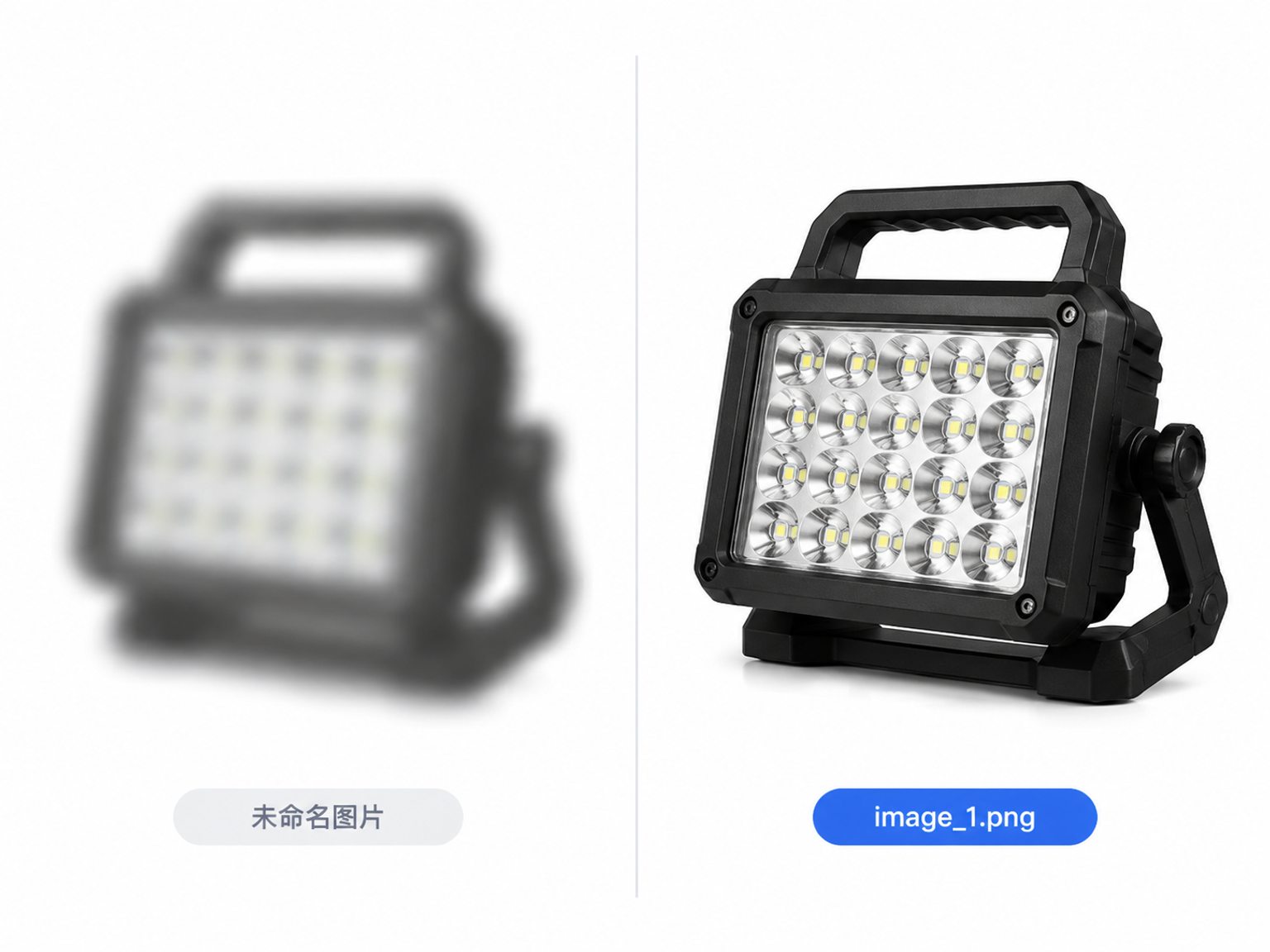
Misconception 3: Once you upload images, Google will naturally recognize you
This is perhaps the most hidden pitfall in WP export site building. Many clients drag pure white-background product images directly into the media library with filenames like IMG_2048.jpg and left-blank alt text. Google can't see the image content and has to guess based on page text.
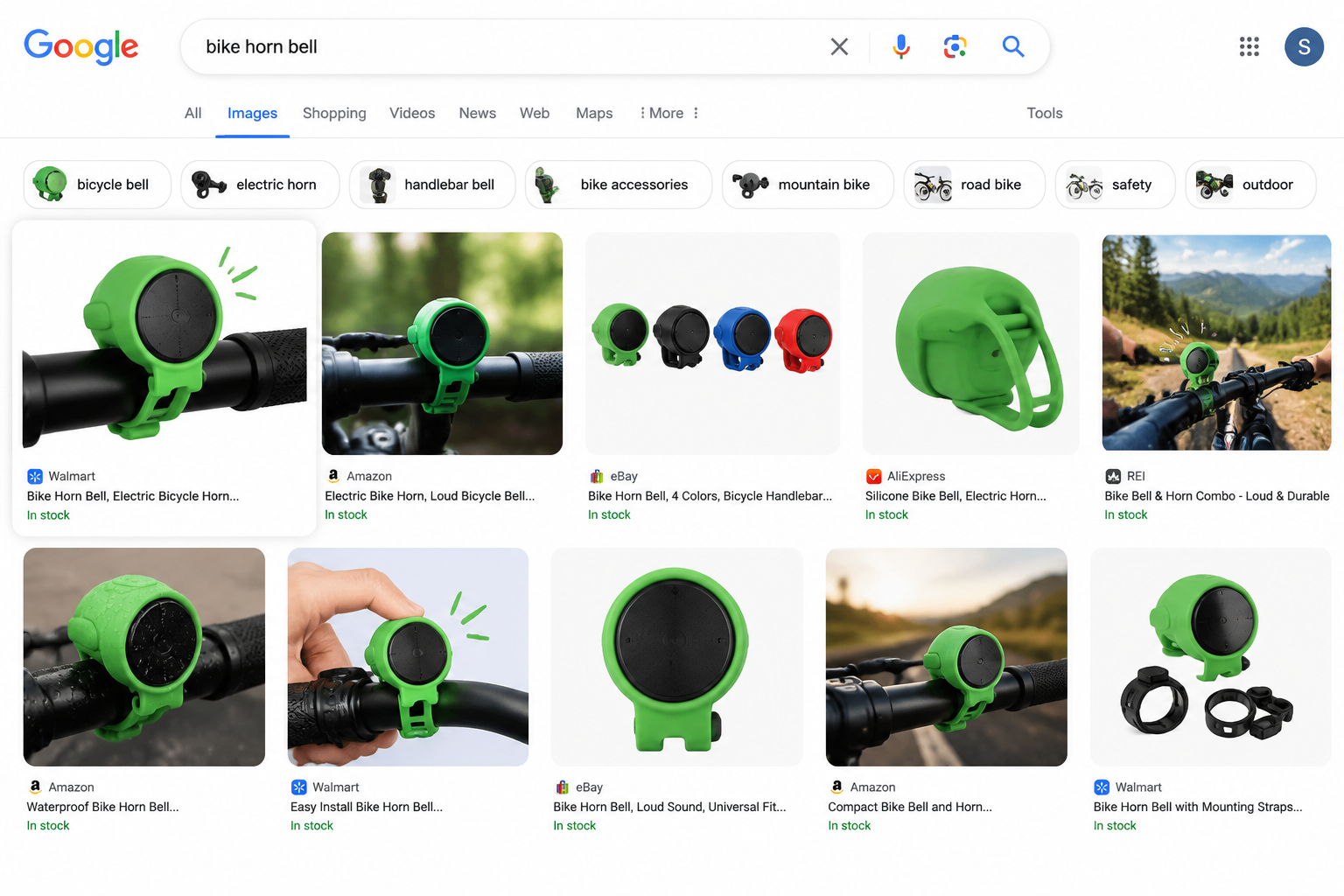
We place a special emphasis on images when doing Google SEO because Google Image Search is an overlooked long-tail traffic source for export sites, and buyers frequently use images to find suppliers. But this assumes the images can speak for themselves:
- Compress images first, convert to webp where possible, and size them according to their display area—don't stuff a 3000px large image into a 200px thumbnail slot
- Filenames and alt text should be semantic, such as stainless-steel-flange.jpg, with the alt text clearly stating the product name and material rather than using 1.jpg or "untitled"; alt text is the text substitute for the image, and Google relies on it to know what is in the picture
- Implement lazy loading for below-the-fold images so the page loads text and the first screen first, keeping opening speeds unaffected by heavy images
Don't use stolen product images for your independent site. Google Image Search retains the original image source, and getting a copyright complaint is a minor matter; losing the trust of your entire site is a major one.
Product images and lifestyle/scene images should be paired proportionally. Don't make the whole page white-background shots; that neither looks like a real supplier nor capitalizes on image search display opportunities.
Tackling 3 Things First When Building an Export Site with WordPress
If you've already decided to go with WordPress, I suggest changing the order of operations: Determine the content structure and conversion path first, choose themes and plugins second, and finally upload images and submit for indexing.
The result of reversing this order is what we often discuss in Independent Website Building Is Not Just "Uploading Pages": you upload tons of pages, but Google only indexes the homepage, and you get zero inquiries. That article discusses the difference between building and stuffing, and reading it will give you a new judgment on the word "launch."
If you want to continue understanding why rapid WordPress installation doesn't mean a rapid launch, you can read Clarifying WordPress Rapid Construction, which clearly sorts out the boundaries of the three stages: installation, configuration, and indexing.
The above mindset is mainly written for people who have already decided to use WordPress but haven't started yet or have just installed the theme. If you are using a hosted SaaS website builder or have a technical team maintaining platforms like Shopify, many configurations won't require your manual setup, making the priority of these 3 misconceptions lower. Conversely, if you want to build an overseas e-commerce store with online payment, involving cross-border payment integration, logistics tracking, and multi-currency support, WordPress plus WooCommerce can achieve it, but it requires additional development and testing. In that case, this framework won't be enough, and you'll need to conduct a requirements assessment first.